

If you’ve ever stared at a faint “Activate Windows” watermark while your wallpaper stubbornly refuses to change, you already know why this matters. Activation today is simpler than it was a decade ago — and also stranger, because millions of PCs now activate without anyone typing anything. Here’s how it really works, the exact steps I walk people through, and the messy cases that fill Microsoft’s own support threads.
- First, Figure Out Which Kind of License You Own
- Where the Product Key for Windows 11 Is Actually Hiding
- How to Activate Windows 11, Step by Step
- Three Real Activation Failures — and What Fixed Them
- Home to Pro: When You Need a Windows 11 Pro Product Key
- The Key Question I Get Asked Constantly
- Frequently Asked Questions
- The Bottom Line
First, Figure Out Which Kind of License You Own
Microsoft offers two doors in: a digital license (officially a “digital entitlement”) or a 25-character Windows 11 product key in the XXXXX-XXXXX-XXXXX-XXXXX-XXXXX format. Without one of the two, the device simply won’t activate.
Check yours at Settings → System → Activation. The message you want is “Windows is activated with a digital license linked to your Microsoft account.” That linking step isn’t cosmetic — it’s what lets the Activation troubleshooter rescue you after a motherboard swap.
Unactivated Windows 11 still boots and works, but personalization — wallpaper, themes, accent colors — stays locked, and the nag notifications never stop.
Where the Product Key for Windows 11 Is Actually Hiding
- Bought a download from Microsoft: check the confirmation email and your Microsoft account order history.
- Boxed copy: the card tucked inside the packaging.
- Prebuilt laptop or desktop: look for a Certificate of Authenticity sticker (laptop base, battery bay, or the side of a tower), or pull the firmware-embedded key from an admin PowerShell window with
(Get-WmiObject -query 'select * from SoftwareLicensingService').OA3xOriginalProductKey. Blank output means there’s no OEM key baked in — you’re on a digital license instead. - Upgraded free from Windows 10: there’s no key to hunt for. The entitlement carried across, and that free upgrade path is still open.
How to Activate Windows 11, Step by Step
- Open Settings → System → Activation.
- Expand Activation state and choose Change product key.
- Type the 25-character Windows 11 activation key, select Next, follow the prompts, then restart.
Prefer the keyboard? Open Command Prompt as administrator and run slmgr.vbs /ipk <your-key>, then slmgr.vbs /ato to activate. Verify with slmgr.vbs /dlv, which reveals your edition and — crucially — the licensing channel: Retail, OEM, MAK, or KMS. No internet on that machine? Microsoft’s Product Activation portal still supports offline activation using an Installation ID and Confirmation ID.
Three Real Activation Failures — and What Fixed Them
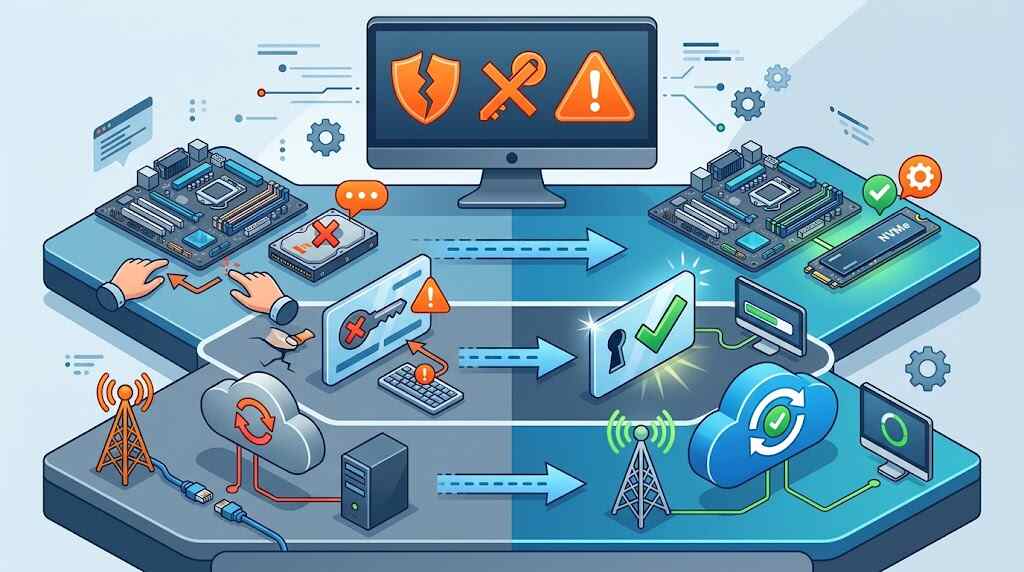
The update that “stole” a Pro license. A user posted on Microsoft Q&A that installing version 25H2 knocked their Windows 11 Pro install back to unactivated. The diagnosis: an OEM/COA-channel license, which had to be reactivated by re-entering the 25-character key printed on the sticker that shipped with the machine. As one responder put it bluntly, that card is not meant to be thrown away — firmware and hardware changes can always force revalidation.
The brand-new PC that was never licensed. Another customer bought a custom build from a retailer, only to see “Windows isn’t activated” after an update. There was no COA sticker and no key in hand — meaning the store owed them the license they’d paid for. Lesson: before you leave the shop, confirm activation status on screen.
The key that had already lived somewhere else. Error 0xC004C008 traced back to a factory-channel (OEM:DM) key never meant for resale; 0xC004C003 means the key was used, or attempted, on multiple devices and is now flagged invalid. After hardware swaps, run the troubleshooter, choose I changed hardware on this device recently, sign in with the original Microsoft account, and tick This is the device I’m using right now.
Home to Pro: When You Need a Windows 11 Pro Product Key

Microsoft’s recommended route is the in-place Store upgrade — roughly $99.99, about ten minutes, files and apps untouched. If you already hold a Windows 11 Pro key, skip the Store and use Change product key instead. Buying fresh from Microsoft costs $139 for Home and $199.99 for Pro.
Also Read: Enable Windows 11 Ultimate Performance Power Plan [2026]
The Key Question I Get Asked Constantly
Those marketplace bargains are usually real keys sold outside their licensing terms — often volume or OEM stock — which is why Microsoft advisors warn they can stop working later with no support recourse. If you gamble, keep receipts, verify the channel with slmgr /dlv, and link activation to your Microsoft account immediately.
Frequently Asked Questions
Do I need a product key if I upgraded from Windows 10?
No. The digital license transfers automatically, and that upgrade remains free for eligible Windows 10 version 22H2 PCs.
Can I still use an old Windows 7 or 8 key?
No. Microsoft closed that installation path in September 2023; those keys now fail on clean Windows 11 installs.
Will one key activate two PCs?
A retail key covers one device at a time. Reuse gets it flagged invalid (0xC004C003).
Does reinstalling Windows require re-entering my key?
Usually not — same edition, same hardware, same account reactivates silently.
Is a Home key valid for Pro?
No. Edition and key must match, or activation fails outright.
The Bottom Line
Activation trouble almost always traces back to one of three things: a key that doesn’t match your edition, a license that was never linked to your Microsoft account, or hardware that changed underneath a license Microsoft can no longer recognize. Spend two minutes today — open the Activation page, confirm the digital license is tied to your account, and photograph any COA sticker on your machine. Do that, and your Windows 11 product key stops being something you panic-search for at midnight and becomes what it should be: a receipt you’ll probably never need again.
