
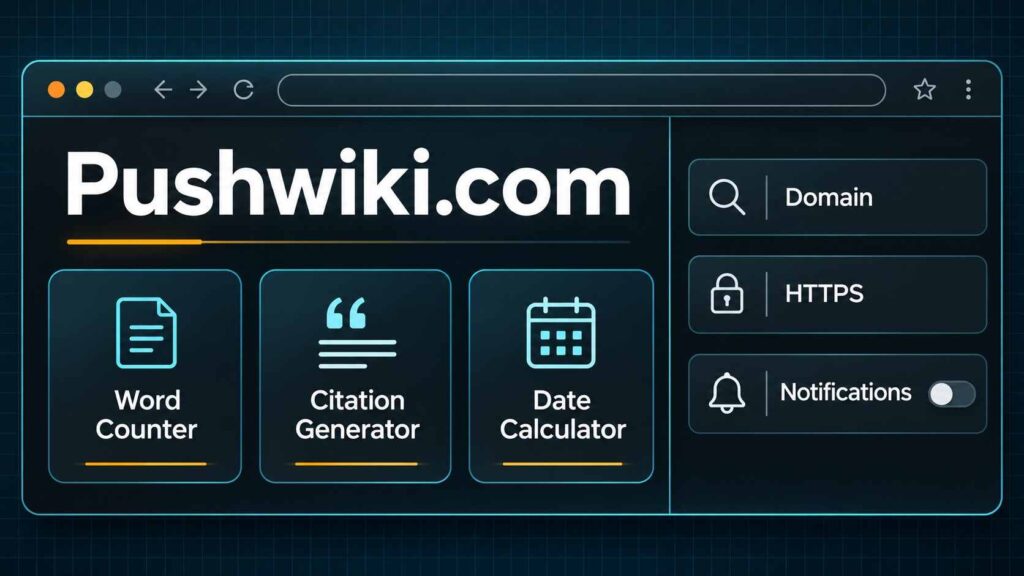
The site publishes articles on subjects such as technology, travel, health, and finance. It also lists three free utilities for counting text, formatting citations, and measuring the time between dates. If you’re deciding whether to use PushWiki Com, start with a sample result you can check yourself.
What PushWiki Com Offers
You can search the homepage for a subject or browse by category. For a calculation or a formatting task, open the Tools page. The publisher says the utilities run in your browser and are available without an account. Use made-up text or dates for a first try.
| Free tool | A simple test | What to verify |
|---|---|---|
| Word and character counter | Enter “A small test helps.” | Expect four words. If you’re writing for a form with a character limit, compare the result with the form’s own counter. |
| Citation generator | Enter the details of a source you already have open and select APA, MLA, or Chicago. | Check the author, title, publication date, and link against the original. Fill in any required details before using the reference. |
| Date difference calculator | Enter April 4 and April 10 of the same year. | Six days elapse between the dates. Select Include the end date if you want the calculator to add a day and show seven. |
The date tool labels business days as Monday through Friday. For a deadline, check the original instructions for holidays and cutoff times before relying on the weekday count.
Check Who Is Behind the Content
On November 6, 2026, the About page showed template text where the operator’s name and background should appear. The research section of the Editorial Policy also contained placeholder instructions. The Contact page displayed a form and a placeholder for its direct email address. These gaps make it harder to tell who runs the site and how it checks articles.
When an article could influence a health or financial decision, look for a named writer with relevant qualifications. Open the source behind the claim and check its date, who it applies to, and what it actually says. Google’s people-first content guidance emphasizes trust for topics that can significantly affect health, financial stability, or safety.
Before You Share Information or Grant Access
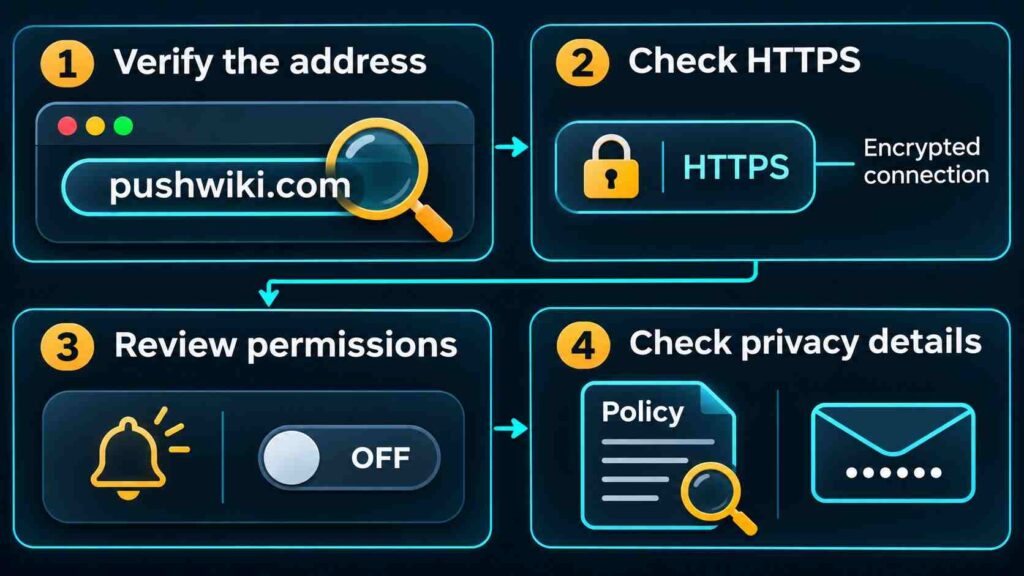
- Verify the address. Read the full hostname in your browser’s address bar. If you intended to visit
pushwiki.comand landed elsewhere, check the new address before entering information. - Check the connection. HTTPS encrypts data traveling between your browser and the website. Use the browser’s connection information to check it. Leave the page if the browser displays a security warning, and assess the publisher’s claims separately.
- Review notification permissions. Decline prompts if you’re only reading or using a calculator. If you already granted permission in desktop Chrome, open Settings → Privacy and security → Site settings → Notifications and block the site.
Treat a newsletter or contact form as a separate decision from trying a tool. The privacy page reviewed still had a placeholder for the newsletter provider. Check the current disclosure before sharing your email. Keep passwords, account numbers, and private documents out of trial inputs.
Also Read: How to Use WizTree to Find Large Files and Free Disk Space
Bottom Line
Start with a tool and a result you can predict. If you came for an article, follow the claim you plan to use back to its original source before acting on it.
