
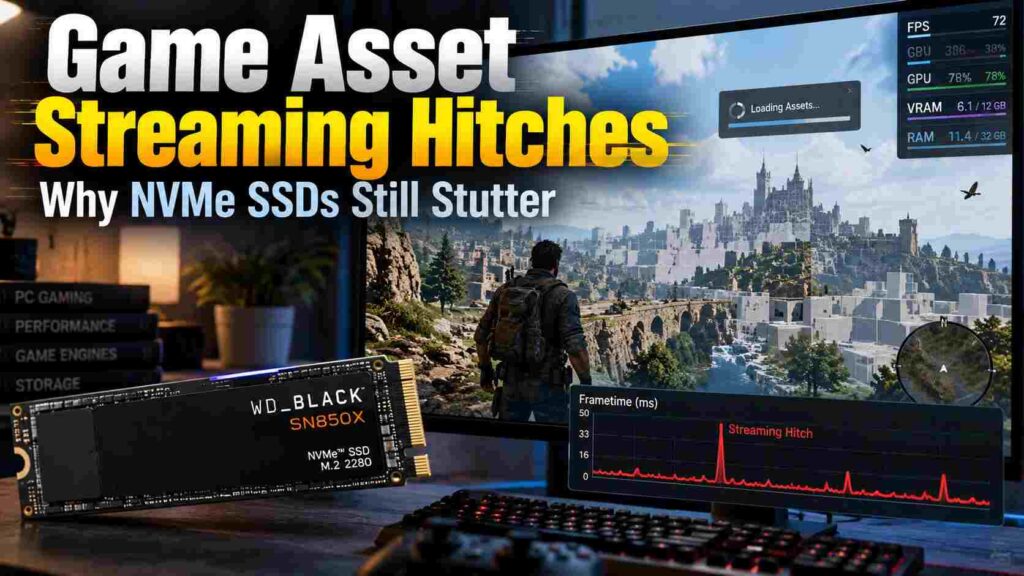
A fast NVMe SSD can slash load times, yet some games still hitch when you turn a corner, enter a new district, or move quickly through an open world. That happens because Game Asset Streaming Hitches are rarely caused by storage speed alone.
Modern engines move textures, geometry, shaders, and world data into memory and VRAM. If any stage falls behind, you can get a frametime spike.
Why NVMe Speed Alone Cannot Prevent Stutter
An NVMe drive handles only the first stage of asset delivery. After data is read, it may need to be decompressed, processed by the CPU, copied into memory, uploaded to the GPU, and fitted into a limited VRAM budget.
Microsoft explains that DirectStorage is designed to help games use high-speed storage efficiently while reducing CPU overhead from many small reads. That can improve asset delivery, but it does not guarantee perfectly smooth frame delivery.
This is why a fast PCIe 4.0 or PCIe 5.0 SSD can still suffer NVMe SSD stutter. The bottleneck may simply be somewhere else.
What Causes Game Asset Streaming Hitches?
CPU Decompression and Scheduling
Compressed assets save disk space, but they still need to be unpacked. If the CPU is also handling physics, draw calls, game logic, and background threads, brief scheduling delays can become frametime spikes.
VRAM Pressure and Texture Streaming
Texture streaming systems decide which texture mip levels should stay in memory. Unreal Engine, for example, adjusts texture quality according to visibility and the available streaming pool.
When VRAM is nearly full, resources may be evicted and reloaded more aggressively. The result can be texture pop-in, uneven frame pacing, or recurring hitches. Lowering texture quality one step may help more than reducing resolution.
Shader Compilation
Not every hitch is an asset-streaming problem. NVIDIA lists shader compilation and video-memory oversubscription among common causes of stuttering.
If a hitch appears the first time you enter an area but is reduced on a second pass, shader work or cache creation may be involved.
How to Find the Real Bottleneck
Do not rely on average FPS alone. Watch frametime behavior while repeating the same route in a demanding area.
Monitor VRAM usage, total RAM, per-core CPU load, GPU utilization, SSD activity, and frametime spikes.
If the hitch repeats at the same location, the engine may be loading the same resources. Low SSD activity during the pause makes raw storage bandwidth a less likely bottleneck.
Practical Fixes Worth Trying
Keep the game on an SSD, but do not assume replacing one capable NVMe drive with a faster model will solve the issue. Keep the game on an SSD, but do not assume replacing one capable NVMe drive with a faster model will solve the issue. If you are comparing storage designs, our guide to SSD DRAM and gaming performance explains how drive architecture can affect sustained workloads, game loading, and asset delivery.
Lower texture quality or texture-pool demand first. Close memory-heavy background applications, update the GPU driver, and allow shader precompilation to finish when a game provides it.
Avoid repeatedly deleting shader caches unless troubleshooting requires it. That can force the game to rebuild work that was already completed.
You can also test a sensible FPS cap. Leaving some CPU and GPU headroom can help background streaming work finish without disturbing frame delivery.
When the Game Engine Is the Limitation
Some Game Asset Streaming Hitches cannot be fixed through hardware upgrades. Streaming priorities, asset packaging, decompression strategy, shader handling, and memory management are partly controlled by the game engine and developer.
This explains why two games installed on the same NVMe SSD can behave very differently. One may prefetch assets efficiently, while another creates noticeable frametime spikes when new textures, geometry, or shaders are requested.
Conclusion
Game Asset Streaming Hitches are best treated as a pipeline problem, not simply an SSD-speed problem. Check frametimes, VRAM pressure, CPU behavior, shader activity, and repeatability before buying new storage. Test one variable at a time, then move to a dedicated frametime or VRAM troubleshooting guide if the problem persists.
Frequently Asked Questions
Can a Faster SSD Fix Game Stuttering?
Sometimes. It can help when storage reads are the bottleneck. On a modern NVMe system, CPU work, VRAM limits, shaders, or engine behavior may matter more.
Does More VRAM Reduce Streaming Hitches?
It can. Extra VRAM lets a game keep more resources resident, reducing repeated loading and eviction.
Does Every NVMe Game Use DirectStorage?
No. DirectStorage support depends on the game and its implementation. An NVMe SSD alone does not guarantee DirectStorage use.
Why Does Stutter Disappear on a Second Run?
The game may have cached shaders or assets during the first pass. A smoother repeat can indicate first-time preparation rather than persistent storage limits.
