

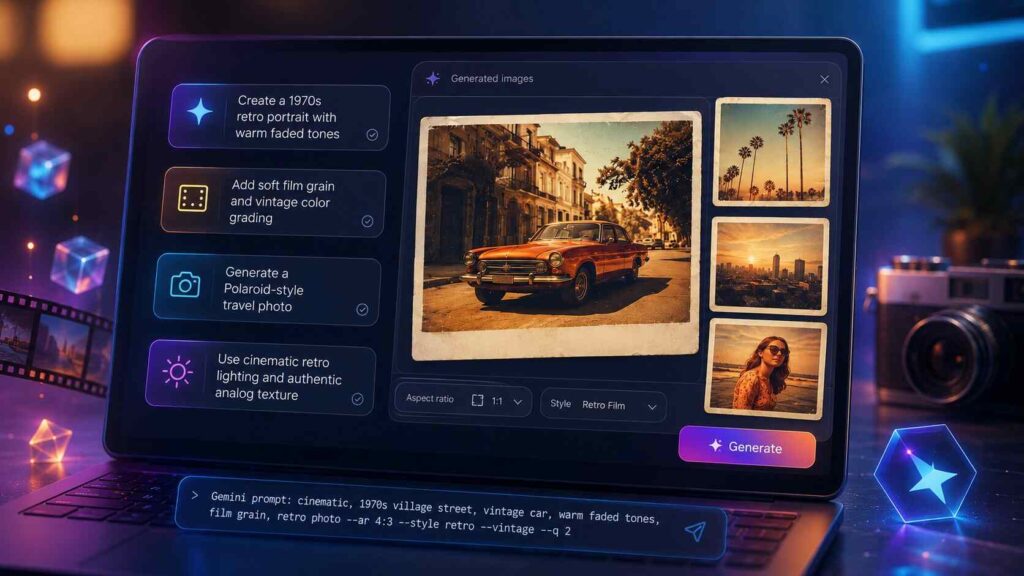
Retro-style AI art looks easy until the final image feels too modern, too polished, or completely fake. The right prompt can make the difference between a flat filter effect and a believable vintage image with mood, texture, and character.
This guide shares 15 practical prompt for Gemini AI retro style ideas you can use to create authentic vintage-inspired art. You will learn how to write better prompts, choose the right era, add film details, and avoid the common mistakes that make retro edits look artificial.
Whether you want 1970s portraits, 1980s street photography, old family album effects, or classic magazine-style visuals, these prompts will help you get cleaner and more realistic results.
- Why Retro Style Works So Well in Gemini AI
- Elements of a Strong Retro Vintage Prompt for Gemini
- 15 Best AI Retro Style Vintage Photo Editing Prompts
- 1. Classic 1970s Portrait Prompt
- 2. 1980s Street Photography Prompt
- 3. Old Family Album Prompt
- 4. Vintage Polaroid Prompt
- 5. 1960s Magazine Cover Prompt
- 6. Retro Travel Poster Prompt
- 7. 1990s Disposable Camera Prompt
- 8. Vintage Film Still Prompt
- 9. Retro Couple Photo Prompt
- 10. Old Hollywood Glamour Prompt
- 11. Retro Product Photography Prompt
- 12. VHS Retro Image Prompt
- 13. Vintage Wedding Photo Prompt
- 14. Retro Café Scene Prompt
- 15. Black and White Documentary Prompt
- Best Ways to Customize a Retro Style Prompt
- Common Mistakes That Make Retro AI Images Look Fake
- Quick Formula for Writing Your Own Retro Image Prompt
- Conclusion
- FAQ
Why Retro Style Works So Well in Gemini AI
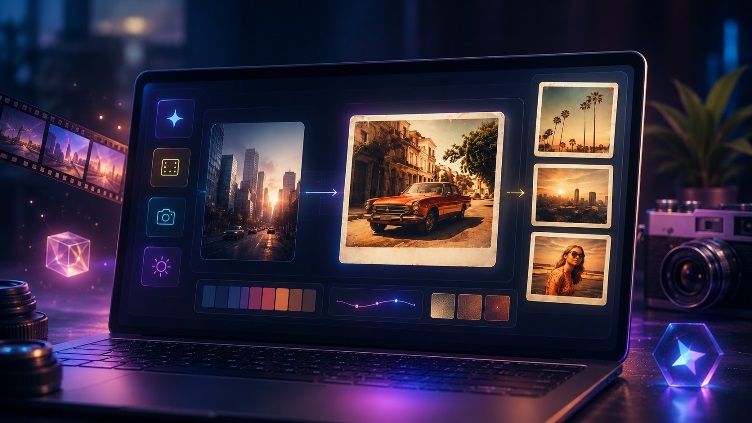
Retro visuals feel emotional because they remind people of real memories, old cameras, printed photos, cinema stills, and classic advertising. A good retro style prompt does more than add grain. It tells Gemini AI what decade, camera mood, lighting, clothing, background, and color treatment to create.
For example, instead of writing “make this vintage,” a stronger prompt gives direction: warm faded colors, soft film grain, slightly overexposed highlights, natural skin texture, and a 1970s photo album look.
This level of detail helps Gemini understand the visual story. It also keeps the image from looking like a basic app filter.
Elements of a Strong Retro Vintage Prompt for Gemini
A high-quality retro vintage prompt for Gemini should include five simple parts.
Era and Visual Mood
Start with a decade or visual reference. You can mention the 1950s, 1960s, 1970s, 1980s, or 1990s. Each era has its own look. The 1950s often feels elegant and clean. The 1970s feels warm, faded, and earthy. The 1980s is bold, colorful, and cinematic.
Camera and Film Details
Film details make the image more believable. Use words like Kodak film, Polaroid, disposable camera, VHS still, 35mm photography, soft flash, or scanned print texture. These small details guide Gemini toward a more authentic result.
Color and Lighting
Retro images often use warm tones, muted shadows, faded highlights, or slight color shifts. Add lighting terms such as golden hour, indoor tungsten light, neon glow, camera flash, or soft window light.
Texture and Imperfections
Real vintage photos are not perfect. Add controlled imperfections like film grain, dust marks, faded edges, light leaks, paper texture, or slight blur. Keep it subtle so the image still looks professional.
15 Best AI Retro Style Vintage Photo Editing Prompts
Provided below are ready-to-use AI prompts for creating vintage-style photo edits. You can copy them directly or adjust them for portraits, products, travel shots, fashion photos, or social media visuals.
1. Classic 1970s Portrait Prompt
Create a 1970s-style vintage portrait with warm faded tones, soft sunlight, natural skin texture, subtle film grain, slightly washed highlights, earthy background colors, and the look of an old printed family photograph.
2. 1980s Street Photography Prompt
Transform the image into an 1980s urban street photo with bold contrast, neon signs, wet pavement reflections, soft film grain, casual retro clothing, and a cinematic night photography mood.
3. Old Family Album Prompt
Create an old family album photo style with faded colors, soft focus, warm indoor lighting, slight paper texture, rounded photo edges, realistic grain, and a nostalgic personal memory feeling.
4. Vintage Polaroid Prompt
Make this image look like a vintage Polaroid photo with instant film colors, soft flash lighting, creamy highlights, gentle blur, white border, faded shadows, and a casual candid composition.
5. 1960s Magazine Cover Prompt
Create a 1960s fashion magazine-inspired image with elegant styling, pastel tones, clean studio lighting, soft shadows, classic makeup, vintage typography space, and polished editorial photography.
6. Retro Travel Poster Prompt
Turn the scene into a retro travel poster with warm sunset colors, simplified vintage illustration style, classic tourism poster composition, textured paper effect, and nostalgic mid-century design details.
7. 1990s Disposable Camera Prompt
Create a 1990s disposable camera photo look with direct flash, slightly harsh shadows, casual framing, natural imperfections, grainy texture, muted colors, and a real snapshot feeling.
8. Vintage Film Still Prompt
Make the image look like a still from an old movie, using cinematic framing, soft film grain, warm color grading, gentle motion blur, natural lighting, and a dramatic retro atmosphere.
9. Retro Couple Photo Prompt
Create a romantic retro couple portrait with warm golden light, vintage clothing, soft background blur, faded film colors, natural expressions, and the feeling of a 1970s love story photograph.
10. Old Hollywood Glamour Prompt
Transform the image into old Hollywood glamour style with black-and-white film tones, soft studio lighting, elegant shadows, classic hairstyle, polished skin texture, and dramatic vintage portrait composition.
11. Retro Product Photography Prompt
Create a vintage product photo with 1970s advertising style, warm background, soft studio light, subtle film grain, clean composition, muted colors, and a classic print magazine look.
12. VHS Retro Image Prompt
Transform your image into an authentic 1980s VHS frame, complete with low-resolution textures, scan lines, subtle color bleeding, a timestamp effect, soft focus, and a nostalgic home-video aesthetic.
13. Vintage Wedding Photo Prompt
Create a vintage wedding photograph with soft romantic lighting, faded cream tones, delicate film grain, natural poses, classic clothing details, and an elegant old-photo album finish.
14. Retro Café Scene Prompt
Turn the image into a retro café scene with warm indoor lights, wooden furniture, old posters, muted brown and orange tones, soft shadows, film grain, and a calm nostalgic atmosphere.
15. Black and White Documentary Prompt
Create a black-and-white documentary photo style with strong natural contrast, realistic grain, candid composition, emotional expression, classic 35mm photography look, and timeless storytelling mood.
Best Ways to Customize a Retro Style Prompt
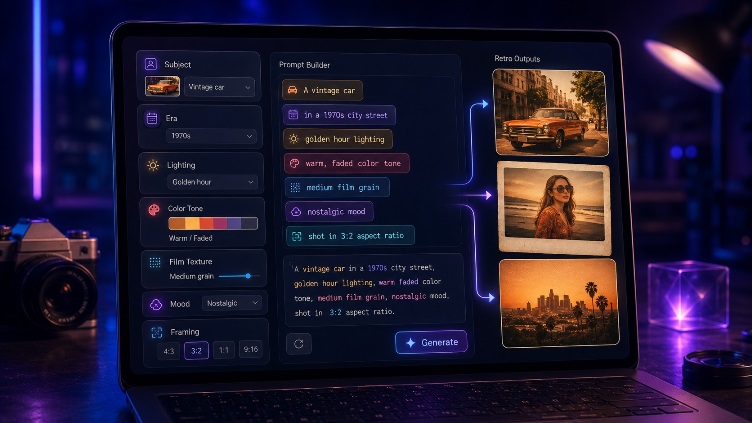
The best retro style prompt is specific but not overloaded. If you add too many effects, Gemini may create an image that looks messy or unrealistic. Start with the decade, then add lighting, texture, and mood.
For portraits, focus on skin texture, clothing, background, and lens style. For products, focus on composition, advertising style, color palette, and print texture. For travel photos, include location mood, weather, sky color, and poster-like framing.
Also Read: Nano Banana + Milvus: How to Scale Enterprise Multimodal RAG
Common Mistakes That Make Retro AI Images Look Fake
Many beginners rely on overly broad phrases like ‘vintage effect’ or ‘old photo style,’ which are often too vague to produce consistent, high-quality results. Gemini may add random filters without understanding the exact look you want.
Another common mistake is overusing grain, scratches, and dust. Real retro photos have imperfections, but they are usually subtle. Too many marks can make the image look forced.
Also avoid mixing too many decades in one prompt. A 1950s Hollywood portrait, 1980s neon street scene, and 1990s disposable camera style all have different visual languages. Choose one direction and stay consistent.
Quick Formula for Writing Your Own Retro Image Prompt
Use this simple structure:
Create a [decade or style] image of [subject] with [lighting], [color tone], [camera or film style], [texture], and [mood].
Example:
Create a 1970s retro image of a young musician sitting near a window with warm afternoon light, faded orange tones, 35mm film grain, soft shadows, and a calm nostalgic mood.
This formula works for portraits, fashion images, lifestyle shots, travel scenes, social media content, and product visuals.
Conclusion
Creating authentic retro art with Gemini AI is not about adding a random vintage filter. It is about guiding the image with era, lighting, film texture, color mood, and realistic details. The 15 prompts above give you a practical starting point for portraits, products, travel scenes, editorials, and social content.
For the best results, test one retro image prompt at a time, adjust small details, and save the versions that match your creative style. To improve your results further, read a related guide on advanced Gemini AI photo editing prompts and learn how to control mood, composition, and realism with better prompt structure.
FAQ
What is the best prompt for Gemini AI retro style images?
The best prompt for Gemini AI retro style images includes the decade, subject, lighting, film texture, color tone, and mood. A strong example is: “Create a 1970s vintage portrait with warm faded tones, soft sunlight, 35mm film grain, natural skin texture, and nostalgic photo album style.”
Can Gemini AI create realistic vintage photo edits?
Yes, Gemini AI can create realistic vintage-style edits when the prompt gives clear visual direction. Add details like film grain, old camera style, muted colors, soft focus, and natural imperfections for a more authentic look.
Which retro style is best for portraits?
The 1970s and 1990s styles work especially well for portraits. The 1970s gives warm, emotional, faded-photo results, while the 1990s disposable camera style creates casual and realistic snapshot effects.
How do I avoid fake-looking retro AI images?
Avoid vague prompts and extreme effects. Use one clear decade, subtle film grain, realistic lighting, and natural colors. Too many scratches, filters, or mixed styles can make the image look artificial.
Can I use retro image prompts for social media content?
Yes, retro image prompts work well for Instagram posts, profile photos, brand visuals, music covers, Pinterest graphics, and creative campaigns. Keep the prompt clear and match the style to your audience.
