
Web Scraping is transforming the way businesses, researchers, and developers collect data from the Internet, providing structured insights on pricing, market movements, and leads generation in seconds. In this guide, we are going to explain what web scraping is, how it works, and why is it important in today’s world.
What Is Web Scraping?
The automated process of collecting structured data from websites is referred to as web scraping. What makes it different from regular copy-and-paste is that web scraping collects certain information from the pages and renders them. This is why web scraping can be a perfect solution for those in need of timely and accurate data.
How Web Scraping Works
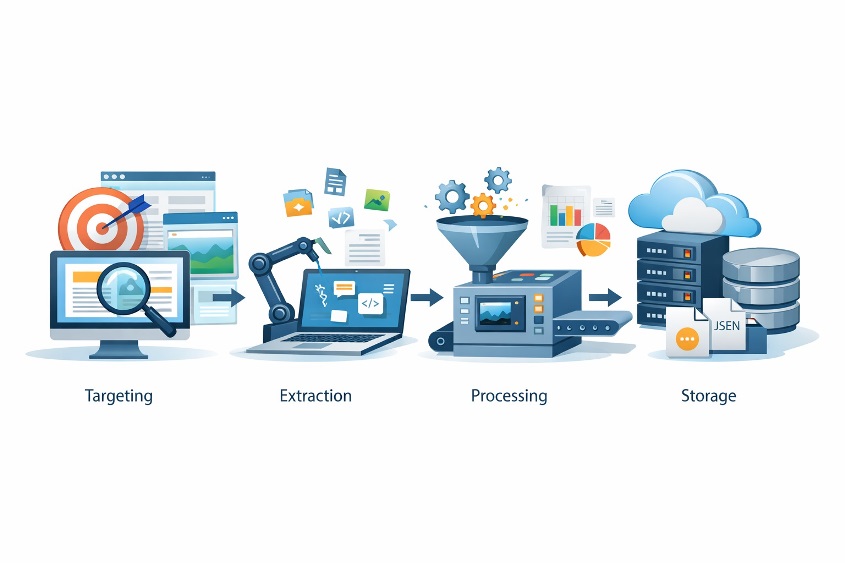
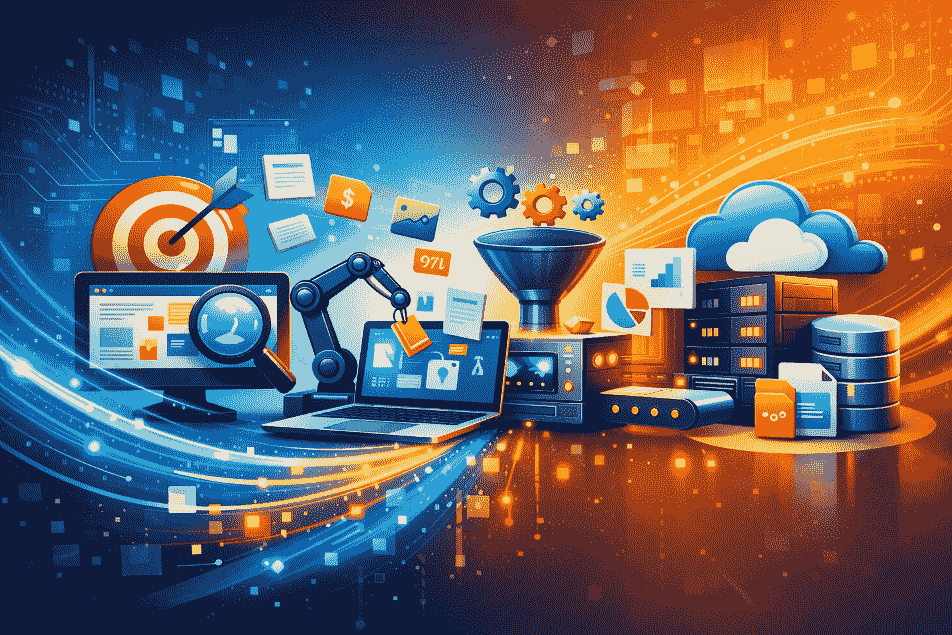
First, you have to decide which website or group of pages you are going to scrape. Your scraper gets the content of the page and saves the HTML code or rendered content. To handle websites with complex rendering (JavaScript-heavy), you may need to use headless browsers in your web scraping. Once loaded, the data goes under processing and pattern matching that finds particular fields such as product name, price, date, etc. Then, the information is being parsed and cleaned, normalized and saved in the files such as CSV, Excel or JSON. Finally, web scraping pipeline gives out the information to the dashboard, database or application that is needed for the decision-making.
Types of Web Scraping Tools
Custom Scripts
Custom scripts are written in the language of Python, Node.js or any other programming language. Custom scripts give you total control over the web scraping process.
Headless Browsers
Such solutions as Puppeteer or Playwright let the scrapers render JavaScript-heavy websites. This kind of web scraping is necessary when the data is shown dynamically on the pages.
SaaS and No-code Platforms
The SaaS application makes web scraping easy by having a point-and-click interface. It’s popular among non-technical users who need quick results without the coding.
Browser Extensions
Chrome or Firefox extensions make you able to perform one-off web scraping inside the browser. Though their functionality is limited, they’re perfect for small-scale jobs.
Cloud Scrapers
Cloud-based web scraping operates on remote servers and allows handling large amounts of work without overloading your local machine. These are good for enterprise-grade projects.
Local Scrapers
Local scrapers are working directly on your personal computer. They are easier to implement but consume local resources, making them suitable for small projects.
Popular Uses of Web Scraping
There are a lot of useful ways to implement web scraping. First of all, the most common way to implement price intelligence is to observe how your competitors operate and collect their pricing strategy. Another popular way is to make market researches where a business collects data about products, reviews, and trends from different websites. Also, web scraping is a great way of lead generation where a company collects contact information and other signals from businesses. Finance web scraping is used to extract files, news and sentiments data to build investment models. Web scraping in real estate is used to track listings and pricing trends, while brand monitoring uses it to track fake listings or mentions. In each case web scraping turns raw web data into valuable information.
Risks and Ethical Considerations
Nevertheless, web scraping has its disadvantages and risks. Websites always have terms of services and robots.txt file with allowed actions. Robots.txt file is not a legal document, but it describes the website owner’s position concerning automated tools. Be careful and don’t overload website servers with your web scraping; it might result in IP ban and/or legal actions against you. Privacy rules, including GDPR, require a legitimate reason for data scraping. There are also copyright concerns because of re-publication of scraped content. Malicious web scraping affects both businesses and consumers including competitor price scraping and content theft. That’s why legal and ethical issues are crucial in any web scraping project.
Best Practices for Web Scraping
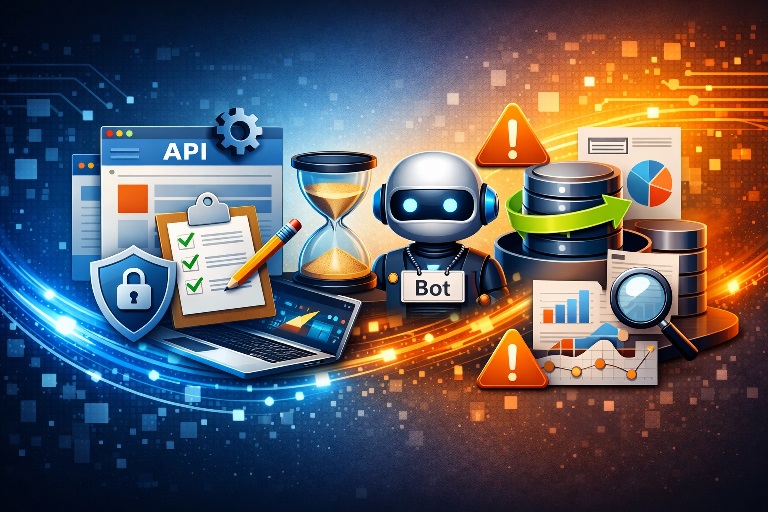
In order to make web scraping safe and efficient, follow the best practices. Firstly, try to use APIs instead of scraping if it is possible; it is stable, supported and legal way. In case of necessary scraping request it in convenient time with using of exponential back-off. Make sure that your scrapers have identifiable user agent identities and proxy rotation to avoid any disruption. Validation of data is critical issue because websites change constantly and selectors become invalid. Monitoring and logging help to detect errors and make your pipeline reliable. But the most important thing is to build web scraping in order to make it robust, compliant and respectful to website owners.
Getting Started with Web Scraping
If you’re just starting with web scraping, first of all think about having a plan. Clearly define what data you need to scrape, choose right tool and set up required output format. Read terms of site you want to scrape and privacy laws before starting. Think about using proxies or cloud resources and monitoring in case of changing. With this approach web scraping can be easily integrated into workflow and provide steady value.
Conclusion
Web scraping is revolutionary technology that transforms publicly available web content into structured datasets. It is behind price intelligence, market researches, lead generation and many other processes, but it requires care. Legal and ethical issues need to be respected and robust pipelines to be created in order to get valuable information from web scraping.
FAQs about Web Scraping
Is web scraping legal?
It depends on the website and the data. Read the terms of the website, comply with robots.txt, and don’t scrape personally identifiable and copyrighted information.
How does robots.txt help web scraping?
Robots.txt is the indicator that tells us which website’s pages should be avoided by crawlers. It is not a legal barrier but a good scraping practice.
What tools are suitable for newcomers?
Beginners can use a browser extension and no-code SaaS at first. Then proceed with Python (Requests, BeautifulSoup, Scrapy), or Puppeteer.
How can I prevent myself from being blocked while scraping?
Be polite with the website’s requests, implement retries with exponential backoff, set up user-agent identification, and scale smartly if required.
