

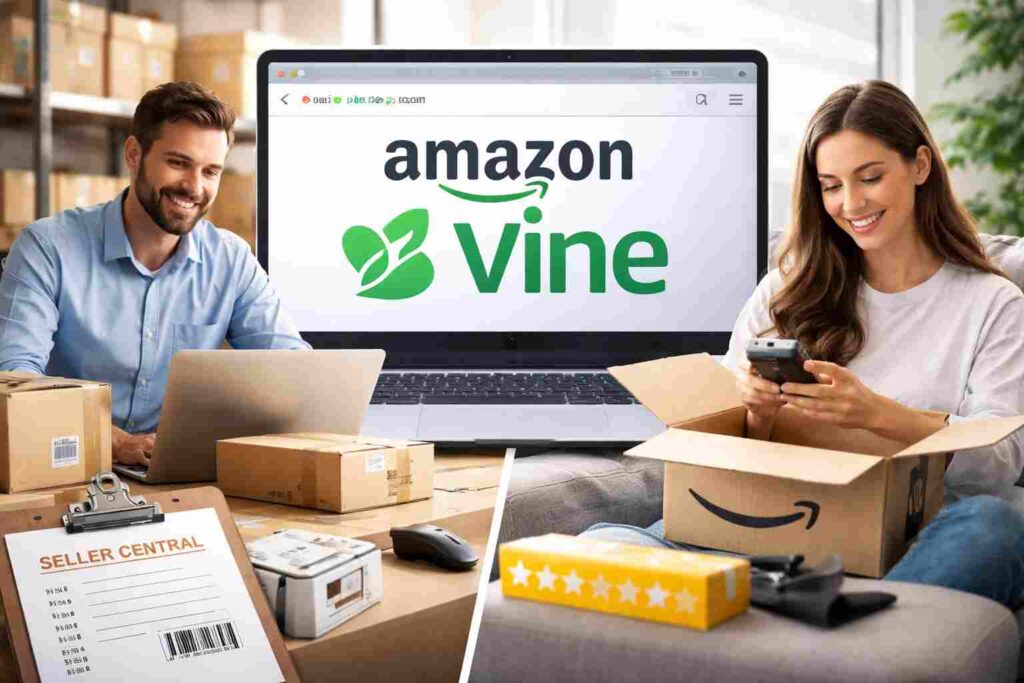
Trying to find the Amazon Vine login page can be confusing because Vine is not a regular public account anyone can create. Many people search for “amazon vine sign in,” “vine amazon login,” or “amazon vine log in,” but Amazon Vine works differently.
This guide explains how amazon vine login works for reviewers and sellers, why you may not see the dashboard, and how to avoid unsafe pages.
What Is Amazon Vine?
Amazon Vine is an invitation-based review program. Selected reviewers, called Vine Voices, can request products and share honest reviews to help shoppers make better buying decisions. For sellers, Vine lets eligible products reach trusted reviewers through Amazon’s system.
The main point is simple: Amazon Vine is not open for public signup. Customers cannot join by filling out a form. Amazon invites reviewers based on the usefulness and insightfulness of past reviews. Sellers access Vine through Seller Central if their products and account meet Amazon’s requirements.
Also Read: Anonymous Instagram Story Viewer: Browse IG Safely in 2026
How Amazon Vine Login Works for Reviewers
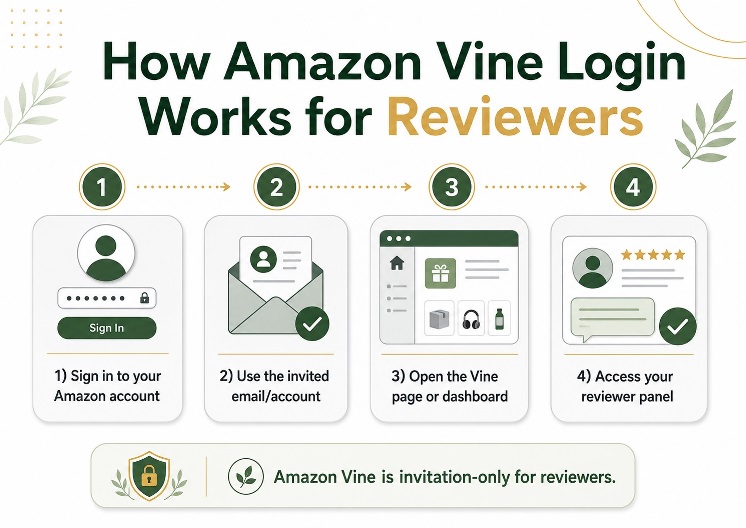
For reviewers, amazon vine login usually uses your normal Amazon customer account. You do not need a separate Vine username or password. Sign in with the same Amazon account that received the Vine invitation.
A simple login process looks like this:
- Open Amazon from your browser or app.
- Sign in with the invited Amazon account.
- Open the official Amazon Vine area from your invitation, saved bookmark, or account access.
- Accept any terms or account prompts shown by Amazon.
- Use the Vine dashboard if your account is eligible.
If the dashboard does not appear, you may be using the wrong account. This often happens when people have separate emails for Prime, shopping, family accounts, or business activity.
Vine Amazon Login for Sellers
Seller access is different from reviewer access. If you are a brand owner or seller, Vine is managed inside Amazon Seller Central. Eligible sellers find Vine under advertising or product-growth tools.
Seller requirements can include a professional selling account, eligible FBA offers, product images, descriptions, and listings with fewer than the allowed number of reviews. Reviewers use a customer Amazon account, while sellers use Seller Central. Mixing these paths is one reason people get stuck.
[Internal link opportunity: Add a Seller Central beginner guide or Amazon product launch checklist.]
Why Your Amazon Vine Sign In May Not Work
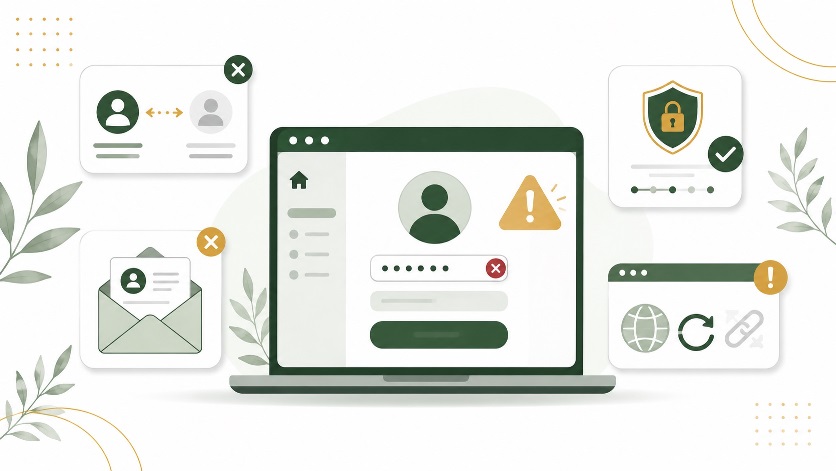
If your amazon vine sign in is not working, check the basics first. Make sure you are using the exact account that received the invitation. If you share a device, sign out completely and log back in with the correct email.
Next, clear your browser cache or try another browser. Old Amazon sessions can send you to the wrong account or marketplace. A private browsing window can help you test this quickly.
Also check account security. If Amazon detects unusual activity, a VPN, or a location change, it may ask for extra verification. Complete that step before trying again.
Most importantly, searching for “amazon vine log in” will not unlock Vine if your account has not been invited. The login only works for accounts with approved access.
How to Stay Safe During Amazon Vine Log In
Be careful with websites that ask for your Amazon password, sell Vine invitations, or promise guaranteed approval. A safe amazon vine login should happen only through Amazon-owned pages or Seller Central.
Never enter your Amazon password on a third-party website. Avoid offers from sellers or agencies that promise free products in exchange for reviews outside Amazon’s official system. That can put your account at risk.
Can You Join Amazon Vine Without an Invitation?
No, regular customers cannot manually join Amazon Vine without an invitation. The best practical approach is to write honest, useful reviews for products you actually use. Focus on real experience, clear pros and cons, photos when helpful, and details that answer buyer questions.
Do not write fake, exaggerated, or repetitive reviews just to get noticed. Amazon values trust and usefulness more than review volume. Sellers should check eligibility inside Seller Central and enroll qualifying products.
Conclusion
Amazon Vine login is easier when you know which access path applies to you. Reviewers must use the invited Amazon customer account, while sellers manage Vine through Seller Central. If you cannot sign in, check your account, browser, invitation status, and marketplace first.
For the next step, read a related guide on writing helpful Amazon reviews or preparing eligible products for Amazon Vine so you can use the program correctly and safely.
FAQs About Amazon Vine Login
Where is the Amazon Vine login page?
Amazon Vine is accessed through Amazon using the account that has Vine access. Reviewers use their customer account, while sellers use Seller Central.
Why can’t I access Amazon Vine after signing in?
The most common reason is that your account has not been invited or you are using the wrong Amazon account. Sign out, log in with the invited email, and try again.
Is Amazon Vine free for reviewers?
Vine reviewers can request selected products through the program, but they are expected to write honest reviews. Tax responsibilities may apply depending on the country.
Can sellers use the same Amazon Vine log in as reviewers?
No. Sellers access Vine through Seller Central. Reviewer access is tied to an invited customer account, so the login paths are different.
