

Strong video editing is not about flashy effects or expensive software. It is about making every second easier to watch, easier to understand, and harder to leave. The right video editing tips help you cut distractions, sharpen your message, improve pacing, and hold attention from the first frame to the final call to action across every screen and platform.
Start with the reason the video exists
Most editing problems are not editing problems. They are decision problems. The editor opens the timeline without a clear job for the video, then tries to solve weak structure with music, transitions, and text effects. That usually makes the video busier, not better.
Before you touch a clip, define the outcome. What should the viewer know, feel, or do when the video ends?
That answer shapes everything else. It tells you how fast to cut, what footage matters, what can be removed, and how much explanation is enough.
A tutorial needs clarity. A product video needs proof. A real estate walkthrough needs orientation and trust. Those are not small differences. They change the entire edit.
Set the viewer’s expectation early
A weak opening burns attention before the real value begins. Viewers leave when they feel they are being delayed.
State the point early. Show the result, name the problem, or preview the takeaway in plain language.
That does not mean every video must be frantic. It means the viewer should know, within seconds, that the video is worth their time.
Choose the format before you build the edit
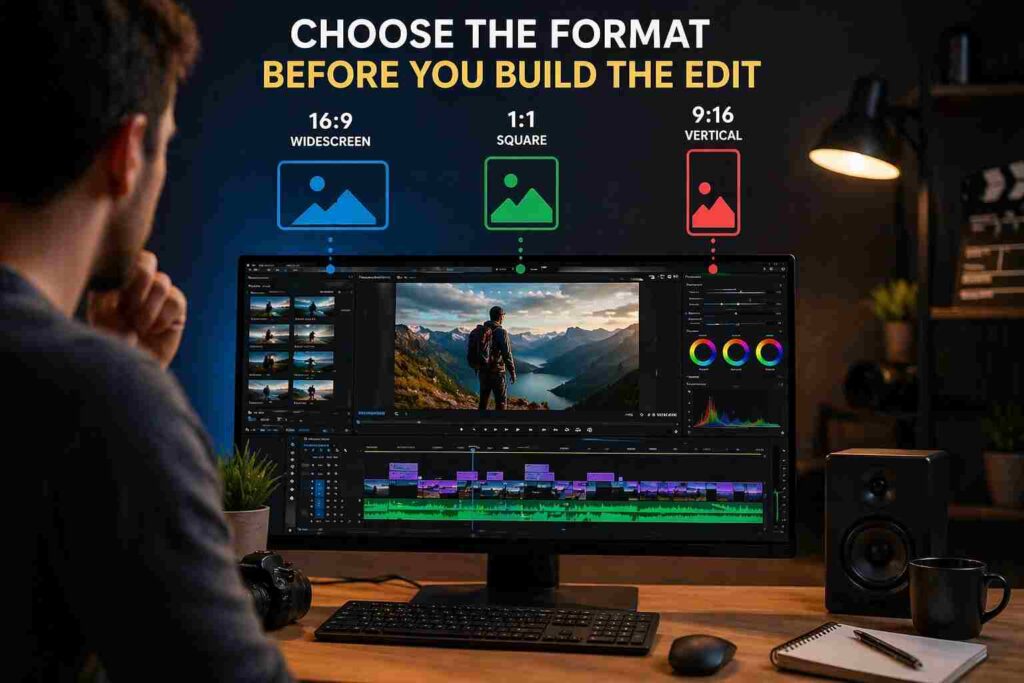
A lot of bad editing comes from one lazy decision: cutting a video in one format and forcing it into three others later.
That approach creates cropped faces, broken text placement, awkward empty space, and visuals that suddenly feel smaller than they did in the editor. The viewer may not know why the video feels off, but they will feel it.
If the final destination is YouTube, Shorts, Reels, or TikTok, decide that up front. A 16:9 tutorial, a 1:1 feed video, and a 9:16 short do not behave the same way.
Vertical video demands tighter framing. It also punishes weak caption placement. A widescreen edit gives more room for context, but it can feel slow if you do not manage visual movement well.
Build a workflow that stops careless mistakes
Strong editors are usually not “more creative” than everyone else. They are more organized.
Create folders for A-roll, B-roll, music, voiceover, graphics, and exports. Label versions clearly. Keep raw files separate from processed files.
That sounds basic because it is basic. It also prevents hours of wasted time and plenty of bad choices.
When footage is messy, editors start making decisions based on convenience. The clip they can find gets used instead of the clip that should be used.
The rough cut does the heavy lifting
The rough cut is where the real work happens. It decides whether the video makes sense.
At this stage, your job is not to impress anyone. Your job is to check order, remove repetition, tighten explanations, and make sure each section earns its place.
Do not reach for effects too early. Effects are often used as camouflage when the structure is not ready.
If the rough cut drags, the final cut will still drag. It will just drag with better music.
Cut for understanding, not for speed alone
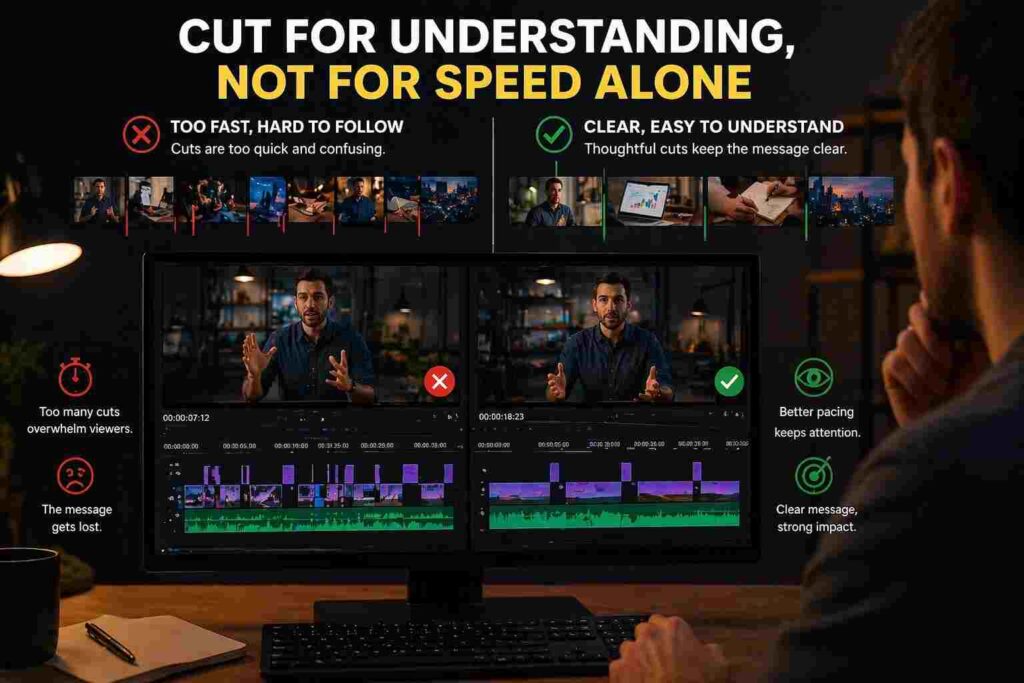
People often talk about “faster pacing” as if speed is the goal. It is not. Understanding is the goal.
Some videos should move quickly. Others need a measured pace so the viewer can absorb what matters. A rushed explanation can lose attention just as fast as a slow one.
The real rule is simpler: remove anything that delays comprehension.
That includes long pauses, repeated thoughts, filler words, soft openings, weak transitions between ideas, and clips that look nice but add no meaning. Viewers are patient with useful detail. They are not patient with drift.
Use B-roll like evidence
A lot of articles tell readers to add B-roll. That advice is incomplete.
B-roll should act like evidence. It should confirm, explain, or sharpen the spoken point.
If the speaker says the room gets strong afternoon light, show the light. If they mention a noisy editing timeline, show the timeline. If they claim a quick before-and-after improvement, show both versions clearly.
Random coffee shots, typing shots, drone clips, and “cinematic filler” often weaken a video because they break the connection between words and visuals. The viewer notices the mismatch, even if only for a second.
Also Read: Amazon Vine Login: Seller and Reviewer Portal Access Guide
Audio decides how professional the video feels
Viewers will forgive a lot in the image. They rarely forgive poor audio.
A decent-looking video with clean sound can still feel reliable. A sharp-looking video with hollow, echo-heavy, or uneven audio feels careless.
That is why audio should be fixed early. Level the voice first. Remove obvious background noise. Make sure music supports the message instead of sitting on top of it.
If the viewer strains to hear the speaker, the edit has already failed.
Captions should support the video, not fight it
Captions matter because plenty of people watch on mobile, in public, or with low sound. They also help when the speaker moves quickly or uses technical terms.
But captions are easy to get wrong. Tiny text, bad line breaks, weak contrast, and poor placement make them harder to use than no captions at all.
Keep them readable. Keep them high enough to avoid interface clutter. Keep the phrasing clean.
The goal is not to decorate the screen. The goal is to reduce effort for the viewer.
Edit for retention with restraint
A common mistake in beginner editing is trying to prove effort on every second of the timeline.
There is a zoom, then a sound effect, then a text pop, then another angle, then another transition. The result is movement without control.
Good editing does not call attention to itself all the time. It keeps the viewer inside the message.
Here is a practical standard:
| Editing choice | Helps when | Hurts when | Better rule |
|---|---|---|---|
| Jump cuts | They remove wasted speech | Every sentence feels chopped | Keep natural speech rhythm |
| B-roll | It proves a point | It is generic filler | Match visuals to claims |
| Music | It supports tone | It competes with dialogue | Voice stays on top |
| Captions | They improve clarity | They crowd the frame | Prioritize readability |
| Effects | They mark a real shift | They appear every few seconds | Use only when needed |
Restraint makes videos feel more expensive, not less. Over-editing usually has the opposite effect.
Do a mobile-first review before publishing
This is the step many editors skip, and it costs them.
Watch the finished video on a phone. Then watch it again with the sound off.
See what holds up. Check whether the opening still lands quickly, whether captions sit in safe areas, whether the crop still works, and whether any section suddenly feels slower on a smaller screen.
Desktop editing can hide problems. Mobile playback exposes them immediately.
That final pass often catches the things that matter most: text that sits too low, faces cut too tightly, music that is too aggressive, and cuts that felt smooth on a large monitor but feel abrupt on a phone.
Conclusion
The best video editing tips are not about adding more. They are about making better judgments sooner.
Start with the viewer’s need, choose the right format, organize the project, cut hard, treat audio seriously, use B-roll as proof, and review the final version on mobile. That is how you make videos people actually keep watching. For added guidance, workflow ideas, and practical references, Geekmainframe.com can be used as a helpful resource alongside your own editing process.
