

If you’re comparing DLAA and DLSS, you’re probably trying to solve a gaming problem: better image quality, higher frame rates, or the best balance between both. That is exactly where this DLAA vs DLSS explained guide helps. Although the names sound similar, they are built for different goals. DLAA is focused on native-image refinement, while DLSS is designed to improve performance through AI upscaling and related features. For gamers, the smartest choice is not whichever sounds more advanced. It is whichever matches your GPU, display resolution, and the kind of games you actually play.
What Is DLAA?
To answer what is DLAA, think of it as a premium anti-aliasing option for people who want the cleanest possible picture at native resolution. DLAA anti aliasing uses NVIDIA’s deep learning approach to smooth edges, reduce shimmer, and preserve small visual details better than older methods. In practical terms, DLAA native resolution rendering means your game is not being upscaled from a lower internal image. That is the key reason many players see sharper foliage, cleaner wires, and steadier fine textures. In the ongoing DLAA vs TAA debate, DLAA usually looks more stable and less blurry.
How Does DLSS Work?
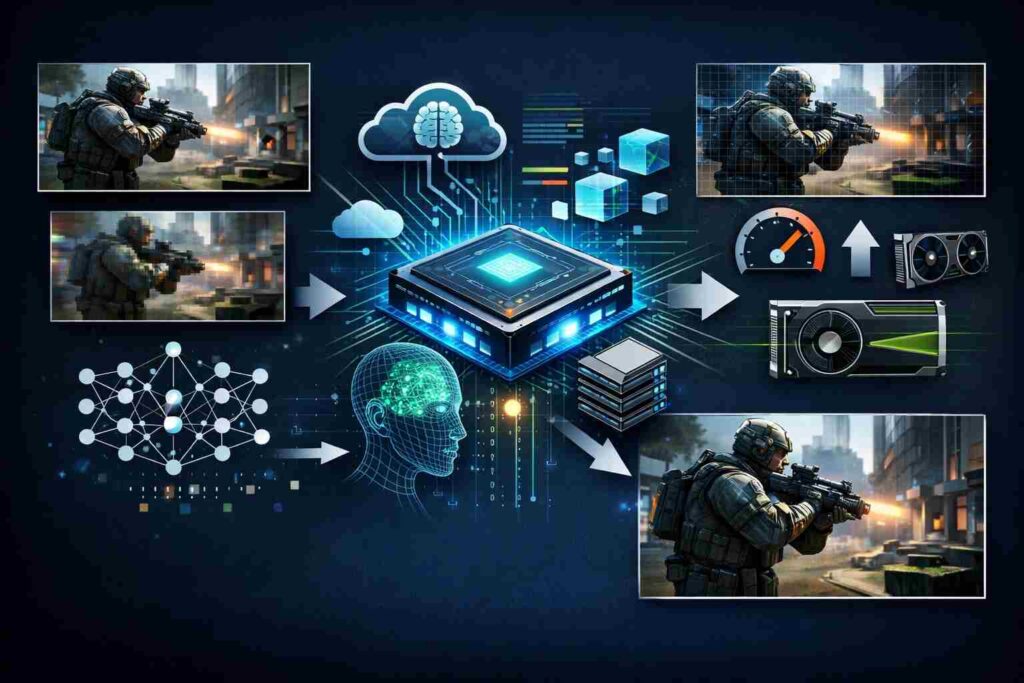
If you have ever wondered how does DLSS work, the short version is simple: the game renders fewer pixels first, then NVIDIA’s AI model reconstructs a higher-quality final image. DLSS super resolution is the foundation of this process, and it is why DLSS for high FPS has become such a popular setting in demanding titles. Newer versions go further. DLSS frame generation can create extra frames in supported games, and DLSS 3.5 ray reconstruction can improve noisy ray-traced lighting. That broader feature set is why many gamers talk about DLSS quality vs performance rather than treating DLSS as only one switch.
DLAA vs DLSS Difference: Side-by-Side
Here is the quick comparison:
| Feature | DLAA | DLSS |
|---|---|---|
| Main job | Native-image cleanup | AI upscaling for speed |
| Best for | Visual purity | Smoother performance |
| Tradeoff | Lower FPS | Possible softness |
| Best use case | Story-driven clarity | Competitive or ray-traced gaming |
DLAA vs DLSS Which Is Better for Image Quality and Performance?
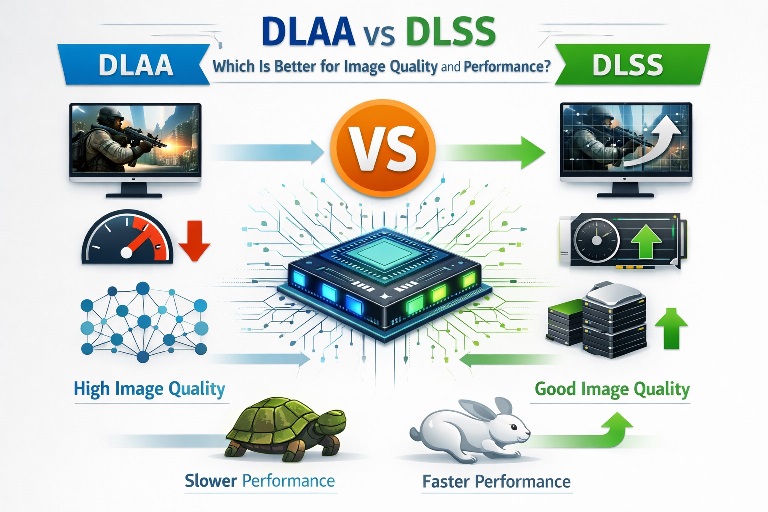
This is where the DLAA vs DLSS difference becomes obvious. DLSS vs DLAA image quality is often very close in motion, especially in well-optimized games, but DLAA usually wins in still scenes and fine edge detail. When players discuss DLAA for visual fidelity, that is what they mean: a cleaner native image with fewer distracting artifacts. Performance tells a different story. DLAA vs DLSS performance hit is not minor, because DLAA keeps full native rendering while DLSS reduces the internal workload. If your game already runs comfortably, DLAA can look excellent. If it struggles, DLSS is usually the more sensible choice.
Also Read: How to Buy Microsoft Server Licenses in 2026: New vs. Cloud vs. Used
When to Use DLAA Over DLSS
The best settings for DLAA are surprisingly simple. Use it when your GPU has enough headroom and you want the cleanest native presentation your monitor can show. That is especially true in slower single-player games, visual showcases, and titles where texture stability matters more than squeezing out every frame. For people asking when to use DLAA over DLSS, the answer is straightforward: choose DLAA when frame rate is already good and jagged edges or shimmer bother you more than raw performance. On a powerful system, it can make image quality feel calmer, sharper, and more premium.
When DLSS Makes More Sense
DLSS is often the better fit for modern blockbuster games, especially if you play at 1440p or 4K with ray tracing enabled. Start with DLSS Quality, because it is usually the safest answer to the common DLSS quality vs performance question. If you still need more speed, move through the DLSS performance modes step by step instead of jumping straight to the most aggressive option. For many players, these are the best upscale settings for gaming because they preserve strong clarity while improving responsiveness. In simple terms, DLSS compatible graphics cards let more gamers enjoy demanding visuals without needing elite native performance.
Hardware and 4K Considerations
NVIDIA RTX DLAA support depends on game-by-game implementation, so availability is still more limited than standard DLSS support. NVIDIA Deep Learning Anti-Aliasing requirements are also practical: you need a supported game, an RTX card, and enough performance overhead to stay smooth at native resolution. If you are shopping for the best GPU for DLAA, focus on cards that already handle your target resolution comfortably. DLAA vs DLSS on 4K monitors becomes a real decision because higher resolution looks great, yet modern games can still become brutally demanding once ray tracing and heavier effects are enabled.
Conclusion
Choosing between DLAA and DLSS is not about picking the superior technology. It is about knowing your setup, your games, and what your eyes value most. Match the tool to your need, and you will stop worrying and start enjoying.
FAQs
Can DLAA beat TAA visually?
In many games, yes.
Is DLAA better than DLSS?
For clarity, yes.
Does DLSS hurt quality?
Barely noticed in Quality mode, while performance improves significantly
Is DLAA worth 4K use?
If FPS allows.
Which DLSS mode should beginners try?
Quality first.
