

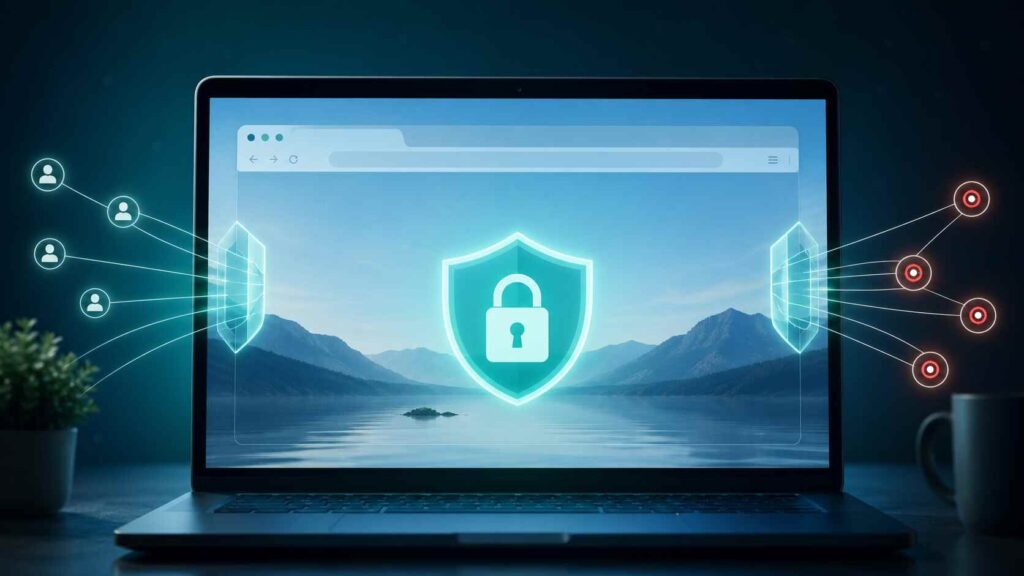
The AVG Secure Browser is a free browser from AVG designed for safe browsing, enhanced privacy, ad blocking and tracking protection. It is not a virus, scam or malware.
- What Is AVG Secure Browser?
- Is AVG Secure Browser Safe?
- Why Is AVG Secure Browser on My Computer?
- Key AVG Secure Browser Features
- AVG Secure Browser vs Chrome, Edge, Brave, and Firefox
- Should You Keep or Uninstall AVG Secure Browser?
- What AVG Secure Browser Does Not Do
- How to Uninstall AVG Secure Browser
- Final Verdict
What Is AVG Secure Browser?
AVG Secure Browser is a web browser designed for those who are seeking security and privacy features built into the browser.
It uses the same base as Google Chrome, Microsoft Edge, Brave and other popular browsers – Chromium. So it will look very similar to Chrome.
It’s just used differently. Chrome is all about Google. Edge integrates with Microsoft and Windows. AVG Secure Browser is about privacy, security and less tracking.
This is not antivirus. It is still a browser. It is designed to help mitigate common browser-related attacks like malicious sites, annoying ads, trackers and bad links.
Is AVG Secure Browser Safe?
AVG Secure Browser is safe if you download it from AVG’s website or from an official app store.
It is not a virus. It is not a “scam”. It is a legitimate browser from cybersecurity company AVG.
The issue typically arises when people discover it is on their PC but do not remember installing it. But that does not necessarily mean something sinister has occurred. This is often the case when installing or upgrading another AVG product.
But you’re right to be concerned. You should always investigate unexpected software.
The best advice is to find out where it came from, see if it has changed your default browser, and determine if you want to keep it. Anti-virus should be clear, not confusing.
Why Is AVG Secure Browser on My Computer?
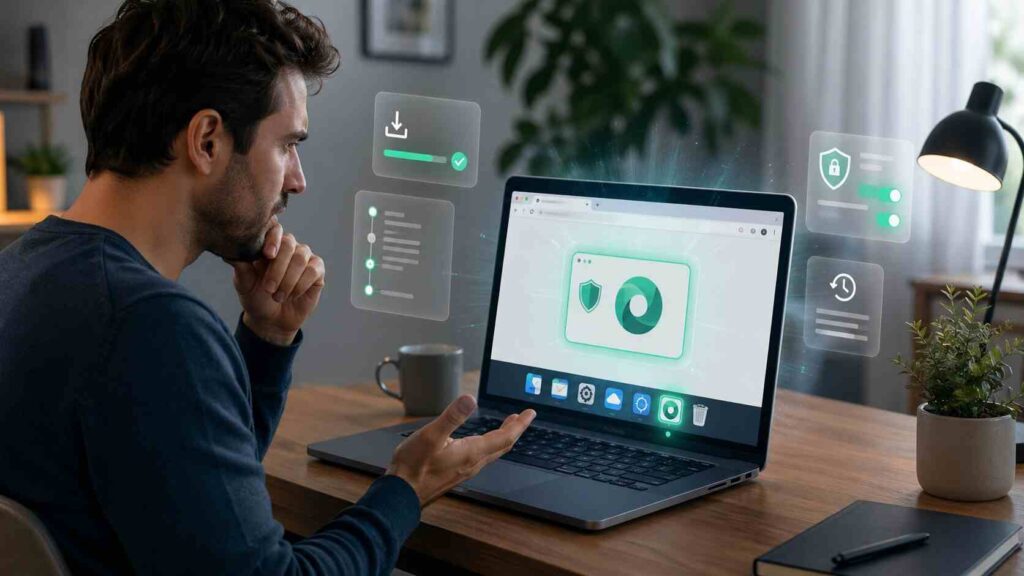
If you have AVG Secure Browser on your device, it probably came bundled with another AVG application, such as AVG Anti-virus.
This can occur when you install other AVG products. Users may rush through to install other programs.
This doesn’t mean the browser is bad. It does mean you need to check your options.
Look at your list of installed apps and see when AVG Secure Browser was installed. Then check your default browser settings. If your default browser has changed from Chrome, Edge, Firefox, or Brave to AVG, you may have changed your default settings.
If you did not select it, and don’t intend to use it, uninstall it. You don’t need more than one browser installed.
Key AVG Secure Browser Features
AVG Secure Browser’s biggest advantage is convenience. It puts several privacy and security tools in one place instead of making users install separate extensions.
| Feature | What It Does | Why It Matters |
|---|---|---|
| Ad Blocker | Blocks many ads and page scripts | Cleaner pages and fewer distractions |
| Anti-Tracking | Limits trackers and tracking cookies | Reduces cross-site tracking |
| Web Shield | Helps block unsafe websites | Adds protection against phishing and malware pages |
| Privacy Center | Groups key browser controls | Makes settings easier to manage |
| Permission Controls | Manages access to camera, location, and data | Helps prevent careless exposure |
The Privacy Center is helpful for consumers. You can find common security settings in one place, rather than sifting through advanced settings.
The ad blocker can also make your experience better. It can make web pages that are adverts, pop-ups and trackers less cluttered.
The anti-tracking tool is useful, but not a secret weapon. It helps avoid tracking, but it doesn’t help you go stealthy.
If you sign into Google, Facebook, YouTube, Amazon or your email account, they know who you are.
AVG Secure Browser vs Chrome, Edge, Brave, and Firefox
AVG Secure Browser isn’t the only player. People tend to have a browser they like.
AVG has more privacy features than Google Chrome. Chrome has better data syncing, extensions, support for Google services and website compatibility.
AVG is less “Windowsy” than Microsoft Edge. Edge has better Office, OneDrive, Copilot and business account integration.
Compared with Brave, AVG is not so privacy-focused. Brave is generally superior for blocking trackers and privacy by default.
AVG is less flexible than Firefox. Firefox is more flexible and powerful for high-end users who want more privacy, extensions and control.
AVG Secure Browser is a good choice if you’re an AVG user and want a simple browser with visible security features. It doesn’t make sense if you already have a browser optimised for privacy.
Should You Keep or Uninstall AVG Secure Browser?
If you intentionally installed AVG Secure Browser, are familiar with its features, and like to have built-in privacy tools, keep it.
It may be suitable for simple web browsing, shopping, banking, reading news and email. Most people get by with the security dashboard.
Remove it if it has installed itself without your explicit permission, if it has changed your default browser settings, if it loads automatically or if it is redundant with other software.
Here’s the rule: don’t keep a program because it has secure in its name.
Keep it only if it enhances your system. If it’s clutter, delete it.
What AVG Secure Browser Does Not Do
AVG Secure Browser is not antivirus. It can block dangerous sites, but doesn’t scan your PC for viruses like an antivirus program.
Nor does it make you anonymous. Depending on your internet usage, your internet provider, websites, advertisers, apps and accounts you have signed into may still track your data.
It can’t stop all frauds. If you download suspicious files, use weak passwords or make online payments on a phishing site, it can’t help you.
It’s best to use it as a tool to lower risk.
Also Read: Browser Extensions: A Privacy Risk I Failed to Recognize
How to Uninstall AVG Secure Browser
On Windows, go to Settings, then Apps, search for AVG Secure Browser, click on it and then uninstall. Then, verify your default browser.
On Mac, select the AVG Secure Browser from the Applications folder and move it to Trash. Make sure it’s not set to open on startup under login items.
On Android, long tap the AVG Secure Browser app icon and choose Uninstall. Or on app settings or Google Play.
Then, launch your default browser and make it default. This will stop links opening in the wrong browser.
Final Verdict
AVG Secure Browser is an official browser from AVG. It is secure if downloaded from an official source and has some handy ad, tracking, and security features.
However, it is not necessary. Microsoft Edge, Google Chrome, Mozilla Firefox and Brave can be used securely.
Install AVG Secure Browser if you want an easy-to-use browser that focuses on privacy and trust AVG. Uninstall it if you do not want it, use it or have a different preferred browser.
