


If you’ve ever joined a classroom review game and been told to “type the code,” you’ve already met the heart of Blooket: a short Game ID that drops you into the right lobby. This guide explains what a blooket code is, how to use it fast, what to do when it fails, and why blooket hacks and blooket bot tools aren’t worth the risk.
- What a Blooket Code actually is (and what it isn’t)
- Where to enter a Blooket Code to join a Blooket game
- How a blooket host creates and shares the Game ID
- Why a blooket code sometimes won’t work
- Live games vs homework assignments: what changes
- After you join: game modes and what the code unlocks
- Blooket hacks and Blooket bot claims: what’s really going on
- Safety and fair play for students and teachers
- Conclusion
- FAQs
What a Blooket Code actually is (and what it isn’t)
A blooket code is a temporary numeric Game ID created when a live game is launched. Its only job is to match players to the correct session so everyone lands in the same lobby before the host starts the round. On the official join flow, players enter the game code at play.blooket.com (or join via QR code or a link).
What it isn’t: a “redeem code” for rewards, a permanent room, or something you can reuse later. When the session ends, the Game ID expires.
Where to enter a Blooket Code to join a Blooket game

To join a Blooket game, follow this simple checklist:
- Open play.blooket.com
- Enter the Game ID (your blooket code)
- Pick a nickname (or use a random name if enabled)
- Wait in the lobby until the game begins
If your teacher shares a QR code or join link, you can use that instead of typing the numbers—useful for younger students or virtual classes.
How a blooket host creates and shares the Game ID
A blooket host (typically a teacher) chooses a question set, selects a game mode, and starts hosting. Once the setup is complete, Blooket generates a Game ID, a QR code, and a join link that the host can display or share.
Quick tip: display the lobby screen so everyone can confirm they joined the right room before you start.
Why a blooket code sometimes won’t work
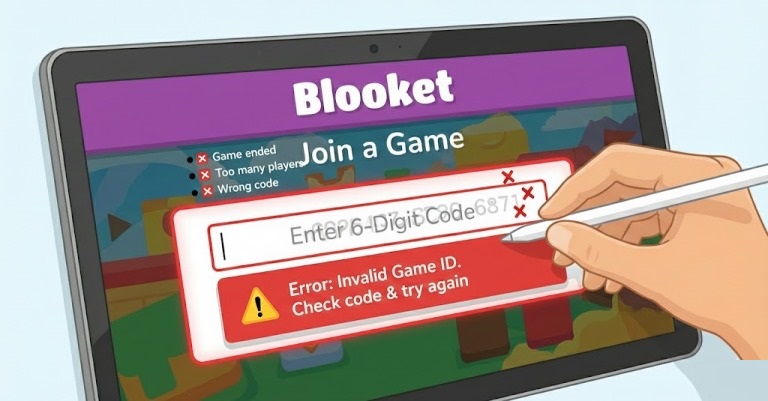
When a blooket code is rejected, it’s usually for a practical reason:
- The game already ended. Live codes are session-based and stop working once the host closes the game.
- A digit was mistyped. One wrong number will fail.
- Late joining is disabled. Some hosts lock the lobby after starting.
- The room hit a player limit.
Fast fix: refresh, re-type carefully, or use the join link/QR.
Live games vs homework assignments: what changes
Blooket supports live sessions and assignment-style play. Live games use a lobby; assignment play may use a link or different flow.
If you’re unsure, check whether your teacher says the game is “live” or an “assignment.”
After you join: game modes and what the code unlocks
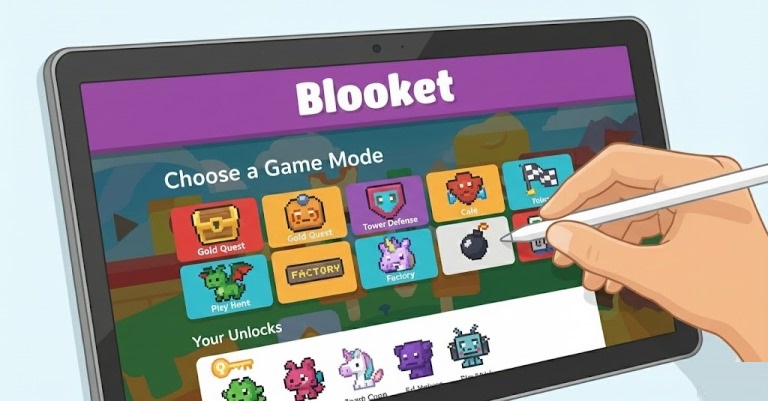
The code (or link) only gets you into the session; the game mode determines what “winning” looks like. Blooket describes itself as a gamified classroom review experience where answering questions powers the gameplay, so the same question set can feel very different across modes.
Example: In fast quiz-style play, speed and accuracy can dominate. In strategy modes, correct answers may earn resources or choices that affect later turns.
Blooket hacks and Blooket bot claims: what’s really going on
You’ll see posts promising blooket hacks, “auto-win scripts,” or a blooket bot that floods a lobby. These tools are not part of Blooket, they’re unsupported, and they can carry real risks—malware, stolen logins, classroom disruption, or getting removed/banned from a game. The official Help Center documentation focuses on legitimate hosting and joining workflows, not third-party exploits.
For better results, learn the mode’s rules, answer accurately, and use the time between questions wisely.
Safety and fair play for students and teachers
For teachers (the blooket host):
- Use random names when appropriate and share join links only in your class channel.
- Start once most players are in, and make it clear that blooket hacks or a blooket bot breaks classroom rules.
For students:
- Join only from the official page, and never share passwords on “hack” sites.
Conclusion
A blooket code is simply the Game ID that connects you to the right live session. Once you know where to enter it, what a blooket host does to generate it, and the common reasons it fails, joining becomes effortless. And by skipping blooket hacks and avoiding any blooket bot tools, you keep the experience fair, safe, and actually fun.
FAQs
How long is a blooket code?
Blooket’s official join instructions show players entering a numeric game code on the join page; the exact length can vary by session, so use what your host provides.
Can I find “active” blooket code lists online?
Some sites post codes, but live sessions end quickly and codes expire when the host closes the game. The most reliable game code is the one your teacher shares for your class.
Do I need an account to join this game?
Many classes join by entering a nickname on the join page, but requirements depend on how the host set up the session. If you can’t proceed, ask your teacher whether login is required.
What if the blooket host says the code is right but it still fails?
Refresh the join page, re-type the numbers carefully, and confirm the game hasn’t started with late joining disabled. If needed, ask for the QR code or join link instead.
Are blooket hacks or a blooket bot safe to use?
No—third-party tools are unsupported and can expose you to scams or malware, plus they can violate classroom rules. Stick to official play and fair competition.
