

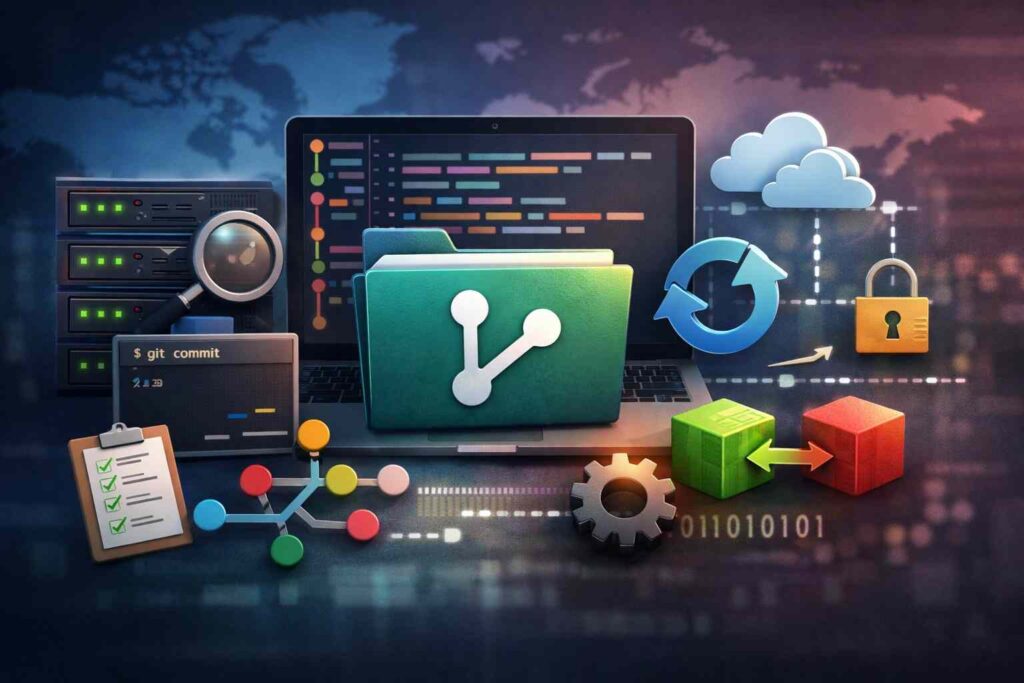
Version Control Systems are tools that track changes to files, preserve history, and let teams collaborate without overwriting work. They are essential for software development, content management, and auditability.
- What Is a Version Control System?
- Why Version Control Matters for Modern Teams
- The Main Types of Version Control Systems
- Comparison Table: Types of Version Control Systems
- Popular Version Control Tools You Should Know
- How Version Control Works in Real Projects
- How to Choose the Right Version Control System
- Managing Large Files, Models, and Non-Code Assets
- Common Version Control Mistakes to Avoid
- Getting Started With Version Control
- Final Takeaway
- FAQ
What Is a Version Control System?
A Version Control System (VCS) records every meaningful change made to a file or group of files over time. It gives teams a reliable history of who changed what, when they changed it, and how to restore an earlier version if needed.
The term source control is often used interchangeably with version control, especially in software teams. Revision control is the older, broader term, but the core function is the same: preserve change history and control collaboration.
Without version control, teams rely on duplicate files, vague naming, and manual tracking. That creates errors, slows delivery, and makes audits harder than they should be.
Version control vs source control vs revision control
Version control refers to managing changes across files or projects.
Source control usually refers to version control in software engineering.
Revision control is the legacy term still used in some technical documentation.
From an SEO and user-intent perspective, these terms belong on the same page because searchers often use them interchangeably. A strong article should define all three and explain the nuance clearly.
Repository, commit, branch, and merge explained
A repository is the tracked project space that stores files and history. It contains the current working state and the historical record behind it.
A commit is a saved checkpoint. Each commit documents a specific set of changes and usually includes an author, timestamp, and message.
A branch is an isolated line of work. It lets developers test or build new features without changing the main codebase.
A merge combines changes from one branch into another. When changes conflict, the system flags a merge conflict that must be resolved manually or with tooling.
Why Version Control Matters for Modern Teams
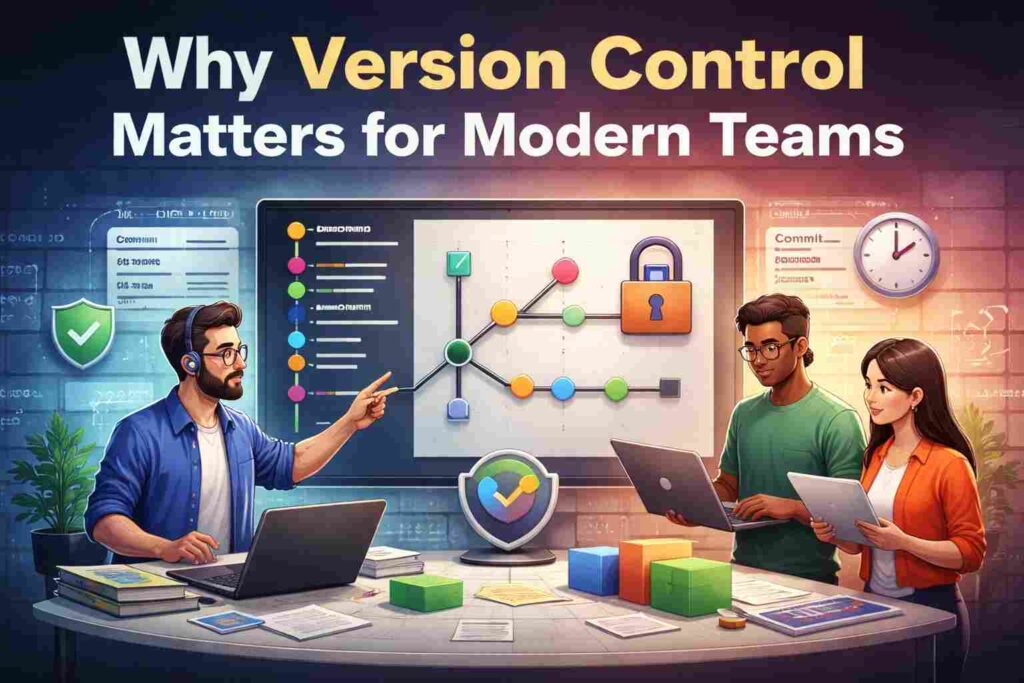
Version control is not optional once multiple people touch the same files. It protects output quality, speeds collaboration, and reduces recovery time when something breaks.
It also improves accountability. Every meaningful change leaves a trail, which matters in engineering, regulated environments, enterprise IT, and content-heavy operations.
Preventing lost work and overwrites
Teams without version control make the same mistakes repeatedly: overwritten files, missing edits, unclear ownership, and fragile backups. These are process failures, not minor inconveniences.
A VCS replaces file naming chaos like final-v2-latest-really-final with structured history. That alone saves time and prevents avoidable rework.
Collaboration, audit history, and rollback
Modern teams need more than storage. They need controlled collaboration.
Version control supports parallel work, code reviews, approvals, rollback, and audit trails. When production breaks, history matters more than opinions.
The Main Types of Version Control Systems
There are three core categories of version control: local, centralized, and distributed. Each solves the same problem differently.
The mistake many articles make is treating these as purely academic categories. They are operational choices with real implications for speed, reliability, compliance, and file handling.
Local version control systems
A local version control system stores revisions on one machine. It is the simplest model and works for individual use, but it is weak for collaboration and disaster recovery.
Local systems can be useful in narrow, single-user workflows. They are rarely the right long-term choice for teams.
Centralized version control systems
A centralized version control system (CVCS) uses one central server that stores the project history. Team members connect to that server to pull and commit changes.
This model gives organizations tighter central control. It can also align well with file-locking workflows and some compliance-heavy environments.
The weakness is obvious: the central server is a dependency. If it fails or access is lost, productivity drops immediately.
Distributed version control systems
A distributed version control system (DVCS) gives each user a full copy of the repository history. That makes collaboration faster, branching easier, and offline work more practical.
This is why Git became the dominant standard. Distributed models are flexible, resilient, and better suited to modern development workflows.
Comparison Table: Types of Version Control Systems
| Type | How It Works | Best Use Case | Main Strength | Main Limitation | Common Examples |
|---|---|---|---|---|---|
| Local VCS | History stored on one machine | Solo work, simple file tracking | Easy to set up | Weak collaboration and backup | RCS-style workflows |
| Centralized VCS | One central server stores history | Controlled enterprise workflows | Central administration | Server dependency | SVN, Perforce |
| Distributed VCS | Every user has a full repo copy | Modern software teams | Fast branching and offline work | Can be harder for beginners | Git, Mercurial |
Popular Version Control Tools You Should Know
The tool landscape is not equal. Some systems dominate mainstream software development, while others remain relevant because they solve specific workflow problems better.
Choosing a tool based only on popularity is lazy. Choose based on file type, collaboration model, governance needs, and operational complexity.
Git and Git-based platforms
Git is the most widely adopted version control system in software development. It is distributed, fast, flexible, and built for branching-heavy collaboration.
GitHub, GitLab, and Bitbucket are not version control systems by themselves. They are platforms built around Git that add hosting, permissions, pull requests, CI/CD, and project workflow features.
This distinction matters. Teams do not “use GitHub instead of Git.” They use Git as the VCS and GitHub as the platform layer.
SVN, Mercurial, and Perforce
Apache Subversion (SVN) remains relevant in environments that prefer centralized control. It is simpler conceptually for some teams, but less flexible than Git for modern branching workflows.
Mercurial is also a distributed system. It has strong technical design, but far less market traction than Git.
Perforce Helix Core is often chosen where performance with large assets, stricter controls, or file locking matter more than Git-style branching freedom. That makes it especially relevant in game development, media production, and some enterprise workflows.
How Version Control Works in Real Projects
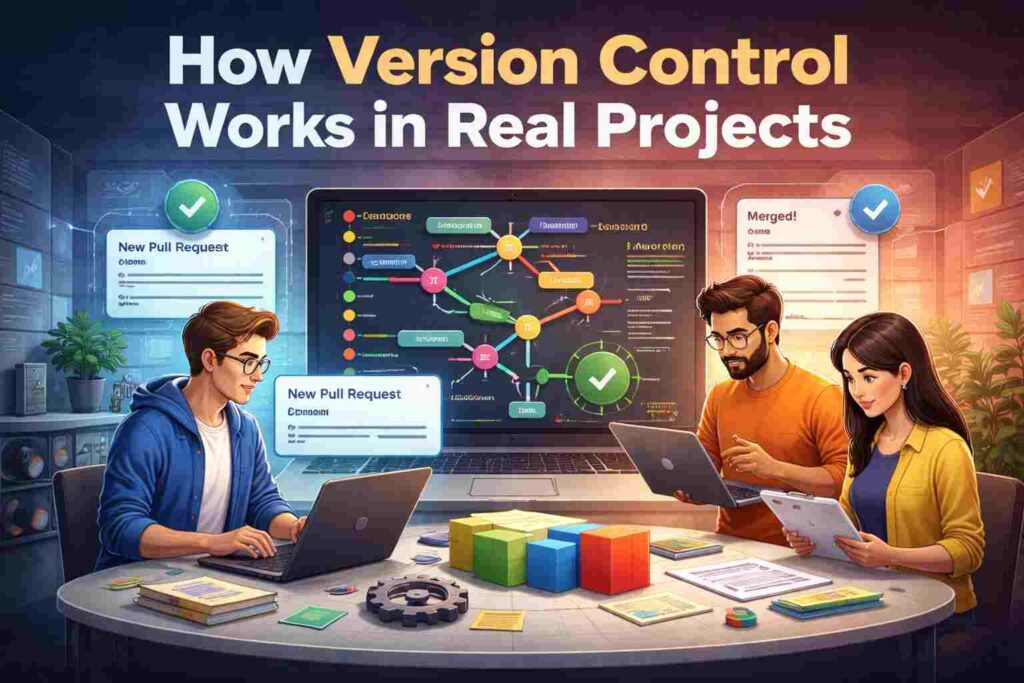
A strong article should move beyond definitions and show workflow. Users do not just want terminology. They want to know how these systems operate in practice.
In most real-world setups, the team works inside a repository, creates branches, commits changes, pushes updates, reviews work, and merges approved changes into a protected main branch.
Clone, commit, push, pull, and merge
A common Git workflow looks like this:
git clone https://example.com/repo.git
cd repo
git checkout -b feature/update-auth
git add .
git commit -m "Add token validation to auth flow"
git push origin feature/update-auth
After that, the team reviews the branch through a pull request or merge request. Once approved, it is merged into the target branch and deployed through a release process.
Branching strategies and pull requests
A branching strategy defines how work moves through the system. Without one, teams get messy histories, duplicate effort, and unstable releases.
Common models include:
- Feature branching for isolated development
- Trunk-based development for fast-moving teams with strong CI
- Release branches for controlled production pipelines
A pull request adds review, discussion, and approval before code is merged. That step improves quality and spreads knowledge across the team.
How to Choose the Right Version Control System
This is where most pages stay shallow. The right choice is not just Git vs SVN. The right choice depends on what you are versioning, how your team works, and what your governance model demands.
A software startup, a game studio, and an AI research team may all need version control, but they should not default to the same setup without analysis.
Choose by team size, workflow, and compliance needs
Start with workflow reality:
- How many people commit changes?
- How often do releases happen?
- Does the team need offline work?
- Are approvals, access restrictions, or audit requirements strict?
If the team needs rapid branching, distributed collaboration, and modern CI/CD, Git is usually the strongest default. If the environment is centralized, tightly controlled, or asset-heavy, the answer may differ.
Choose by code, binary files, or AI/ML assets
This is the decision framework competitors usually miss.
Text-heavy codebases fit Git well because line-based diffs, merges, and branching work efficiently.
Large binary assets create friction because binaries do not diff and merge like text.
AI/ML projects add another layer because teams must manage code, datasets, models, and experiments together.
That is why the real question is not just “Which version control system is best?” The real question is what exactly are you versioning.
Managing Large Files, Models, and Non-Code Assets
This is the information-gain angle most ranking pages underplay. Not all assets behave like source code.
When teams force binary-heavy or model-heavy workflows into a code-first setup without adjustment, performance and collaboration suffer.
When Git LFS makes sense
Git LFS is designed to handle large files more effectively by replacing heavy assets with lightweight pointers inside the main repository while storing the actual content separately.
That makes sense when a team is committed to Git but still needs to track media, design assets, model files, or other large objects. It is a practical extension, not a universal fix.
When to use DVC or enterprise-grade alternatives
For AI and machine learning workflows, code versioning alone is insufficient. Teams often need reproducibility across datasets, models, experiments, and pipelines.
That is where tools like DVC enter the conversation. They complement Git by handling large data and experiment tracking in ways standard source control was not built to do.
Enterprise environments with massive binary assets or strict file-locking needs may also lean toward alternatives like Perforce. The right system is the one that fits the asset model and operational risk, not the one with the loudest brand.
Common Version Control Mistakes to Avoid
Most version control failures are not caused by the tool. They are caused by weak process design.
A poor branching model, vague permissions, inconsistent commit discipline, and sloppy merge practices will damage output in any system.
Weak branching rules and messy histories
If every developer names branches randomly and commits without clear messages, the repository becomes harder to maintain and harder to trust.
Strong teams enforce standards:
- predictable branch naming
- meaningful commit messages
- pull request reviews
- protected main branches
Discipline is not bureaucracy. It is operational efficiency.
Merge conflicts, access control, and backup risks
Merge conflicts are normal, but frequent conflicts often signal process problems. Large long-lived branches, overlapping work, and weak communication make them worse.
Access control also matters. Teams should apply least-privilege access, protect critical branches, and ensure repository backups are part of business continuity planning.
Getting Started With Version Control
The first priority is not mastering every command. It is adopting a workflow that the team can follow consistently.
For most new software teams, the practical default is Git with a hosted platform such as GitHub, GitLab, or Bitbucket. That combination covers version history, collaboration, review, and deployment hooks in one model.
First steps for beginners
Start with the basics:
- Create or clone a repository
- Make small changes
- Commit with clear messages
- Push to a shared remote
- Review and merge through a structured process
That is enough to establish real control. Complexity can come later.
Moving from SVN or TFVC to Git
Migration should be planned, not improvised. Teams moving from SVN or TFVC need to map branch structure, permissions, history requirements, and release workflow before changing tools.
Do not migrate just to follow the market. Migrate when the operational gains are clear: better branching, stronger automation, faster collaboration, or lower long-term maintenance cost.
Final Takeaway
Version Control Systems track file changes, protect history, and make team collaboration reliable. The best choice depends on your workflow, your governance needs, and, most importantly, the type of assets you need to version.
For standard software development, Git is the default leader. For binary-heavy, centralized, or AI-driven environments, the right answer may be more specialized.
FAQ
What is the best version control system?
For most software teams, Git is the strongest default because it supports distributed collaboration, branching, and integration with modern DevOps platforms. It is not automatically the best choice for binary-heavy or AI/ML workflows.
What are the three types of version control systems?
The three main types are local, centralized, and distributed version control systems. They differ in where history is stored and how teams collaborate.
Is Git the same as GitHub?
No. Git is the version control system. GitHub is a platform built around Git that adds hosting, access control, pull requests, and workflow features.
Why do companies still use SVN or Perforce?
Because some environments value centralized control, file locking, or better handling of large binary assets. The “best” system depends on operational requirements, not trend-following.
Can version control be used outside software development?
Yes. Any workflow that benefits from change history, rollback, collaboration, and accountability can use version control. That includes documentation, configuration management, data projects, and digital asset workflows.
