

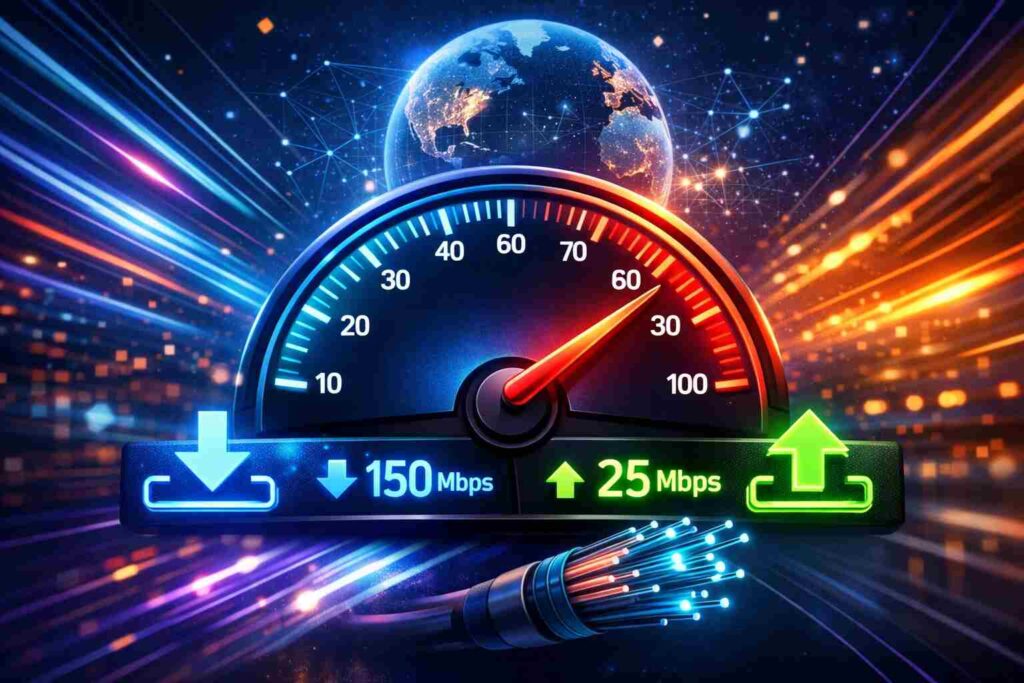
The issue of poor internet speed does not always depend on the subscribed internet package. Optimal speed relies on the number of people who are active on the web, activities they do, and stability of the internet connection. The average download speed that will allow people to engage in online activities, such as gaming, streaming, video calls, using smart devices, and others, is 100 Mbps for downloading and 10-20 Mbps for uploading.
What is a Good Download and Upload Speed?
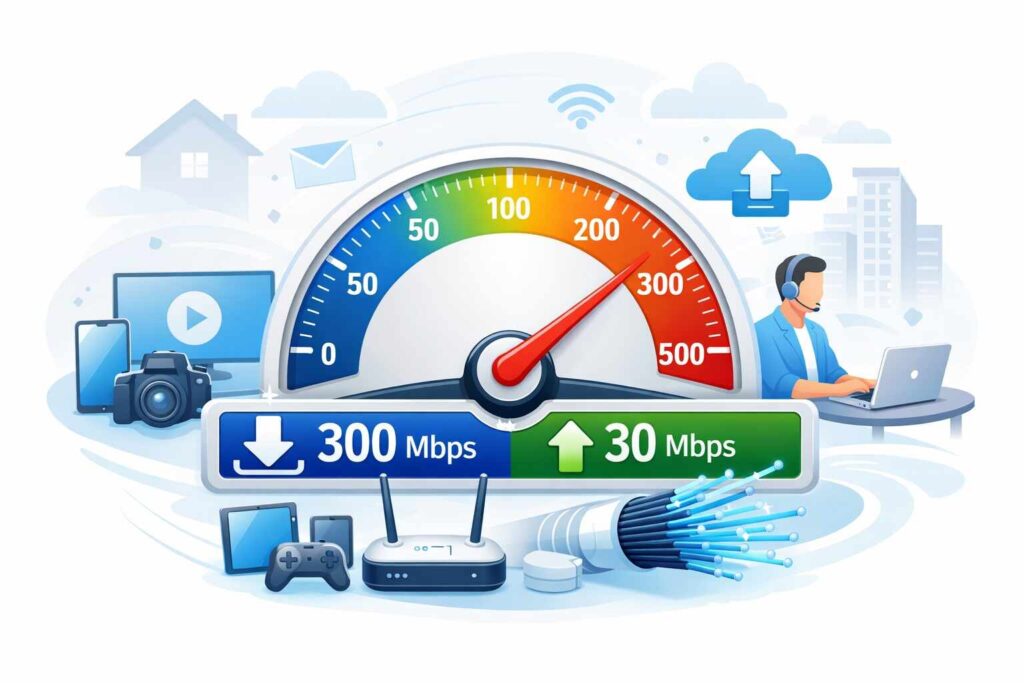
There is a simple rule: one or two users need 50 to 100 Mbps download and 10 Mbps upload speed. Families with several smartphones, TVs, laptops, and cameras should have at least 200 to 500 Mbps download and 20 Mbps upload. When working remotely, sending big files, or using Wi-Fi for several devices at once, people need 300 Mbps or more of the bandwidth and 30 Mbps upload.
Download and Upload Speed Ranges
In relation to adequate upload and download speed, there is the need to consider the range of options, not absolute ones. Internet connections slower than 25 Mbps are usually limited in possibilities for most families. 50 Mbps is the option that allows users to browse, stream, and attend online classes easily. 100 Mbps is usually enough for small homes, thus the question of if 100 Mbps is good. On average, it is sufficient for two to four average users. Above 300 Mbps, everything feels quick even when it comes to multiple streaming and games.
Activities That Require Special Speeds

Speed also depends on activities. Minimum speed for HD Netflix is not very high, but for 4K streams, it is much higher, especially when multiple screens are used. The upload speed for Zoom or classes is almost as important as downloading. If backups are regularly performed, if large videos are uploaded, or if questions are raised about best YouTube uploading speed, there is the need to have more than average plans. Optimal speed for gaming needs more than Mbps; low latency and stable ping are more important.
Also Read: ISP Throttling: How to Detect If Your Internet Is Slowed
Users’ Households and Devices’ Needs
The amount of devices connected is a key component of how well the network performs. While it works out fine for 100 Mbps in a small apartment due to the fact that the right bandwidth is determined by the user’s activity level instead of purely based on the area, a busier house needs extra capacity. A decent baseline speed for a network used by four people is 200 Mbps, especially if everyone streams and browses at the same time. Including doorbells, speakers, thermostats, and cameras into consideration means adding some more speed to the mix. The problem with WiFi speeds is that older and improperly placed routers slow them down.
Comparison of Connection Types and Their Performance
The type of connection used makes as much difference as advertised speed does. Fiber connection is the best overall option, with very good upload speeds which is why in most cases fiber vs cable upload speed comparison will always have fiber on top. The cable option is good at streaming and surfing, but upload speeds are lower. When comparing DSL vs fiber optic speeds, there isn’t much competition between the two, but when it comes to satellite and fixed wireless, weather conditions can influence performance.
Technical Information and Speed Testing
Broadband bandwidth is measured in Mbps, not in MBps. Distinguishing Mbps from MBps is important since data sizes tend to be measured in bytes. 8 megabits make one megabyte – hence, a 100 Mbps Internet cannot download 100 MB file in one second. If it seems like the Internet is working subpar, it is worth doing speed tests during different hours of the day. Consider looking at the ping in comparison to download speed; remember that latency and jitter mean delay and variance, respectively. As for the question “Why is my upload speed slow?”, common issues include network congestion, poor WiFi, or service plan limitations.
So, What Is a Good Upload Speed?
For the vast majority of houses, a good WiFi upload speed should be at least 10 Mbps, while 20-30 Mbps is considered safer in case several members of the family call, exchange documents or backup pictures. In case you ask again and again about good upload speed or good upload speed, I can only say that you should pick an option according to your busiest day, not the quietest. For most families, an optimal range of 100-300 Mbps of downloading speed combined with 20 Mbps of uploading is a great choice. Such parameters cover all activities related to entertainment and work without making an additional waste of money. Fast internet is not the highest number but the one which remains steady amid all the hustle.
Firstly, start with measuring current speeds, looking at router positioning and the number of devices connected to your network every evening. Second, you should upgrade the network if some buffering or lagging occurs regularly.
