

Hands-on testing: August 2026 · Lab data: AV-TEST macOS Tahoe (March 2026) and AV-Comparatives Mac Security Test & Review (April–May 2026)

You’re not far from the truth. macOS is pretty secure: Gatekeeper controls installers, notarization verifies the signature from Apple, XProtect stops known malware, and System Integrity Protection protects the system. It takes a long time for Mac users to face problems.
But times have changed. As clearly stated in the 2026 report by AV-Comparatives, threat actors no longer perceive Mac computers as secondary targets to attack. As Sophos discovered, Atomic macOS Stealer (AMOS) single-handedly accounted for more than 40% of macOS protection updates done in 2025—more than any other malware family. In February 2026, Microsoft highlighted phishing “verify you’re human” pages and malicious DMG installers distributing AMOS, DigitStealer, and MacSync. And, finally, Trend Micro found malicious “AI skills” distributing a new version of AMOS.
However, what is lacking is a proper virus. Modern macOS malware steals your Keychain, cookies, session tokens, and crypto wallets and disappears. That’s why the top antivirus for Mac in 2026 must be evaluated based on its capability to block stealers, scammers, and malicious installers, rather than the number of viruses it detects.
Bottom Line Up Front: 2026’s Top Picks
| Award | Product | Year one | The catch |
|---|---|---|---|
| Best overall | Bitdefender Antivirus for Mac | Under $40 | Renews at list price |
| Best free Mac antivirus | Avast One Free | $0 | Endless upgrade nags |
| Best for families | Norton 360 Deluxe | $39.99 / 5 devices | Renews at $124.99 |
| Best Mac-only specialist | Intego ONE | $24.99–$39.99 | Tax added at checkout |
| Best second opinion | Malwarebytes Premium | ~$44.99 | Few extras |
Briefly put, the best Mac antivirus software would be Bitdefender, while the best free one is Avast One Free, and the best choice that can provide protection for your whole family is Norton.
Best Overall: Bitdefender Antivirus for Mac
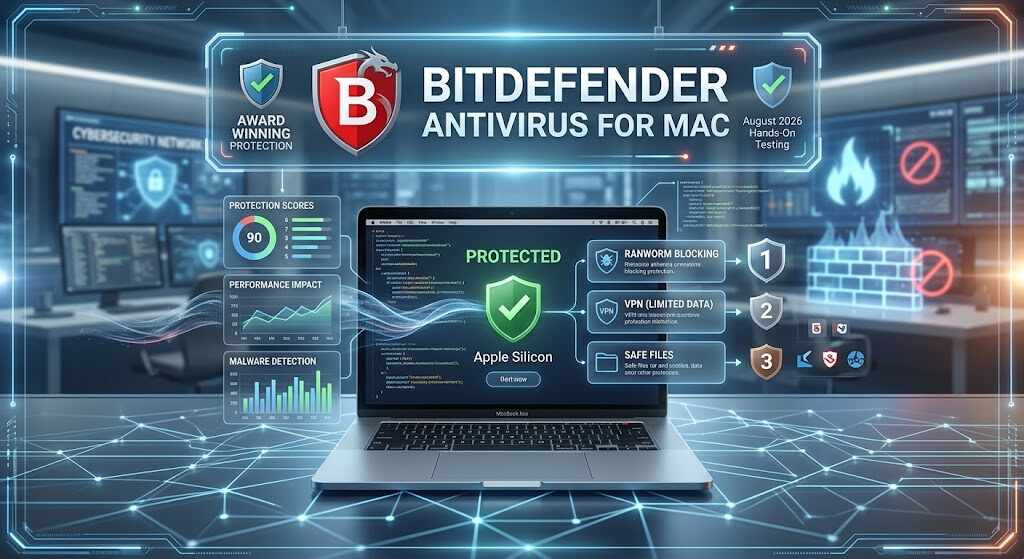
Price: usually less than $40 in year one; renewal at full list price.
Pros
- Awarded certification from AV-Comparatives in 2026 Mac Test
- It also detects Windows malware, thus ensuring that you don’t share your infections with other computers running on Windows OS
- Doesn’t make any noise on Apple Silicon – no spinning fan while scanning
Cons
- Provided VPN service allows to download only 200MB data per day
- Price increases sharply after year one
The dashboard remains uncluttered with only three components: the status shield, the scan button, and Safe Files. The software doesn’t resort to melodrama when it comes to its security warnings and will not say that your computer is under threat. The reason why this antivirus software is considered the best one is consistency—it appears in the March 2026 macOS Tahoe round test by AV-TEST and is included in AV-Comparatives’ approved list of 2026, without the false positives experienced by other more affordable engines.
Best Free Mac Antivirus: Avast One Free for Mac
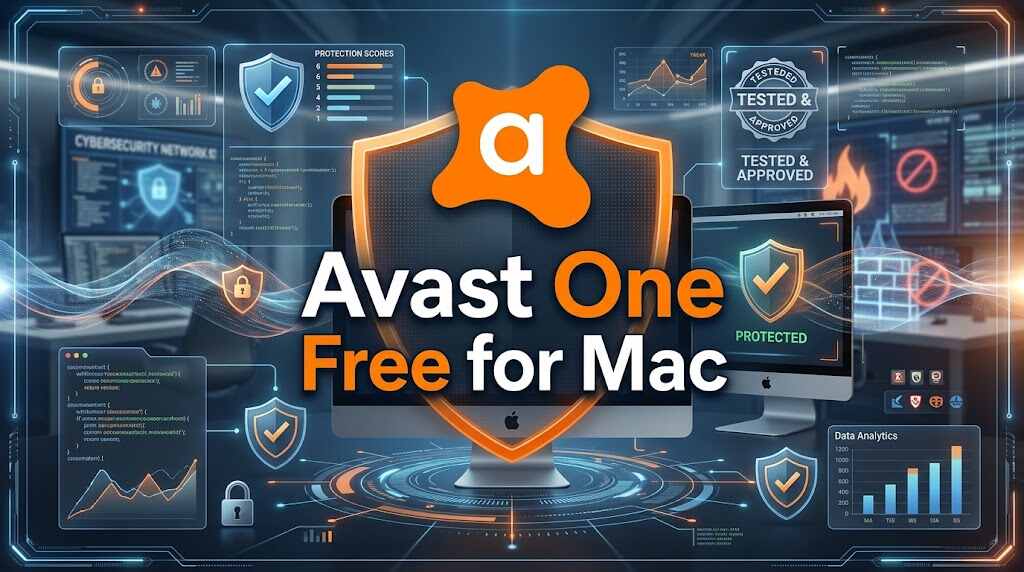
Price: Free, with paid options available.
Pros
- 6/6/6 rating from AV-TEST in the 2026 macOS test regarding protection, speed and usability
- AV-Comparatives certification in 2026 (a rare achievement for free software)
- Access to scam and web filters without subscription costs
Cons
- Constant upselling
- Unnecessary interface elements due to the presence of blocked tiles
Mac antivirus programs that are free do not usually offer real-time protection; however, the Avast antivirus program provides an exception to this rule. In addition to the use of the identical scanner that has undergone lab tests and has real-time protection enabled, the Avast antivirus program is supported by thousands of public opinions and thus receives the simple user verdict – it just works.
Best for Families: Norton 360 Deluxe
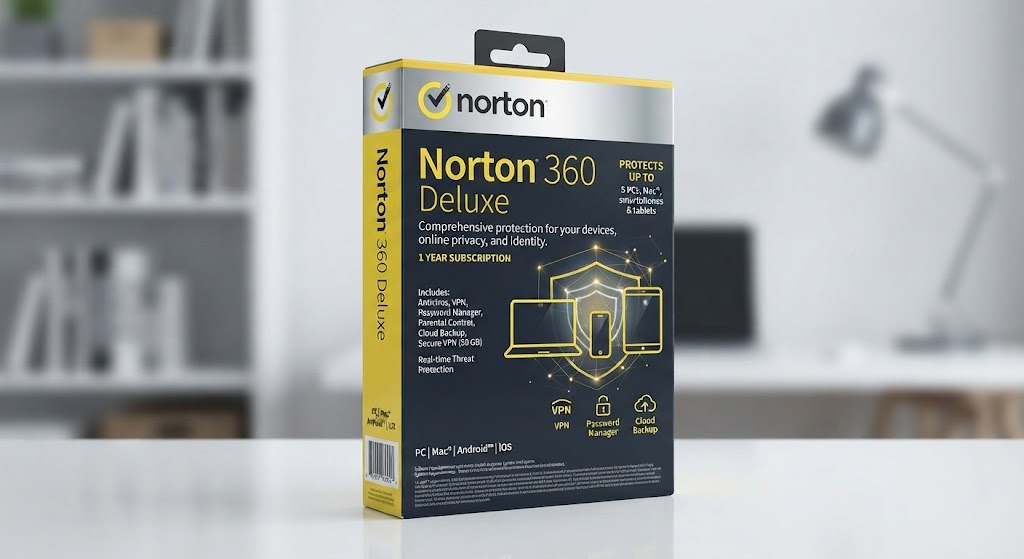
Price: $39.99 for the first year with 5 devices, then $124.99 annually as per Norton Renewal List 2026.
Pros
- Covers five devices with a bundle of features including a password manager, 50 GB backup, and dark web monitoring.
- Norton AntiVirus Plus for Mac has an AV-Comparatives certification in 2026 and 4.5/5 rating on PCMag.
- Dark Web alerts are actually significant in the present day stealer-dominated world.
Cons
- It is more than tripling for renewal; the most significant drawback in any Mac security software.
- The interface is crowded with a lot of features.
Starting at just below $8 for year one per device, Norton remains the best antivirus for Mac with its compatibility with Macs, Windows PCs, and smartphones. But there is a catch; it starts from month 13, and Norton states itself: $124.99 per year. Make a reminder every year for day 330.
Best Mac-Only Specialist: Intego ONE
Price: First-year cost of $24.99 to $39.99 per Mac; renewal cost is about $49.99
Pros
- It was only developed for Mac computers from the 1990s; does not have a version for Windows
- NetBarrier firewall offers app-level network management that macOS does not
- Certified by AV-Comparatives in 2026 and mentioned by Macworld in April 2026 regarding protection
Cons
- Some users pointed out an extra fee added during payment process (25% surcharge by one user in Denmark)
- Optimization modules appear somewhat outdated compared to antivirus module
Intego can be called the best antivirus for Mac if you want software created specifically for macOS. What makes Intego stand out among others is NetBarrier firewall which asks your permission when recently installed application connects to the server abroad.
Also Read: The Best Android Tablets of 2025: For Every Budget
Best Second Opinion: Malwarebytes Premium for Mac
Price: Starts at around $44.99/year.
Advantages
- AVLab Product of the Year 2026; 4.6/5 rating based on 20,800+ user reviews
- Browser Guard stops malicious redirects and bogus download pages
- Very quick scans on demand
Disadvantages
- Fewer extras in the suite, as evidenced by PCMag’s 3.5/5 rating
While it might not be the best Mac antivirus software to run in isolation, it’s definitely the kind I’d deploy at 11 p.m., having just clicked something I wish I hadn’t, and for which clients continue to say, “it found what others have missed.”
How We Tested
Each contender for the best antivirus for Mac should meet the following five criteria:
- Threats simulation tests, including DMG installer, malicious updates for applications and ClickFix-type warnings
- Tests of scams and phishing URLs through Safari and Google Chrome browsers
- False positives tests against Homebrew and independent Mac applications
- Impact on the Apple Silicon system performance, including scan speed, battery drain and export speed
- Transparency during checkout, specifically disclosure of prices for renewals prior to purchase
Vendor-supplied “100% detection” marketing badges were disregarded.
How to Choose the Best Antivirus for Mac
- Ask for real-time defense. On-demand-only scanners solve yesterday’s problem.
- Look at browser-based scam prevention. Nearly all Mac malware in 2026 requires you to get fooled first.
- Watch out for the renew line. A “$39.99 promotion” resting on top of a “$124.99 renewal” is a $124.99 product.
- Tally up your number of devices and test the uninstaller. Mac security that uninstalls cleanly
Is free good enough or should you choose paid? Free works very well for now but pays include firewall management, dark web scanning, and customer service—all worth it if your Mac does any client work or business.
What Mac Owners Actually Complain About
There are three common complaints in Mac antivirus discussion boards: renewal shock, hidden taxes on billing, and “I installed it, forgot it, and let it expire.” Note that all three are not related to detection capabilities. The true problem of 2026 is not a weak engine but an expired license or a disabled scanner.
The Verdict: Buy Protection You’ll Actually Leave Running
After many weeks of installing, scanning, and purposefully clicking things that I probably shouldn’t have clicked, the only honest conclusion here is that the difference between the products that will be top-of-the-line in 2026 is not as significant as the difference between being protected or unprotected. AMOS campaigns are now in over 120 countries, including the United States where their impact is particularly heavy, and almost all of these infections start because people are persuaded to double-click. That kind of action cannot be prevented by software—but its consequences can be caught right away.
Thus, the practical approach would include the following choice of antiviruses: Bitdefender for a quiet and stable Mac protection, Avast One Free for no-budget use, Norton for family safety, Intego for controlling the firewall, Malwarebytes in case of doubt. After that, there are two practical actions to make sure that the selected antivirus is working properly—enabling automatic updates and writing down the expiration date.
FAQs
Does Mac require antivirus in 2026?
Yes, if you use your Mac for banking, work, and storing cryptocurrencies. XProtect stops known malware but cannot prevent phishing sites and newly signed stealer installers.
What Mac antivirus is the best one?
The Bitdefender Antivirus for Mac has great test results and barely affects the system at all. Norton 360 Deluxe is a good choice to protect all devices.
Is free Mac antivirus enough?
For light usage, yes—the Avast One Free received a perfect score of 6/6/6 from AV-TEST in March 2026.
Will antivirus make my MacBook slower?
Modern MacBook antivirus software is lightweight. Bitdefender and Malwarebytes affected Apple silicon very little, but other programs may slow down your startup process.
Can Mac be attacked by ransomware?
It is rare but possible. Stealers are the biggest threat to macOS—have your Time Machine backups ready and two-factor authentication on.
