

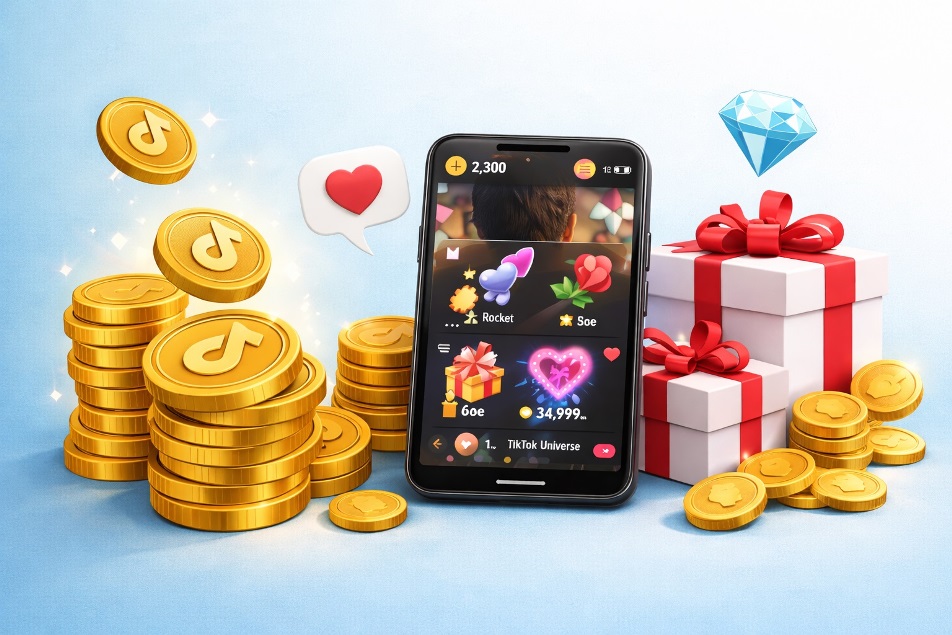
TikTok Coins are TikTok’s in-app currency for gifting and a few paid actions. You buy tiktok coins in bundles, keep TikTok Coins in your balance, and spend TikTok Coins to trigger virtual Gifts during a creator’s LIVE or on eligible videos. When you send a Gift, the required tiktok coins are deducted immediately.
This guide explains TikTok Coins in plain language, where TikTok Coins fit in the creator economy, and how to use TikTok Coins safely.
Once you understand the flow, it clicks.
What TikTok Coins are (and what they aren’t)

Think of TikTok Coins as “tickets” you exchange for on-platform interactions.
TikTok Coins are:
- A paid balance you load to participate in gifting.
- A way to support creators and stand out with animated Gifts.
TikTok Coins are not:
- Withdrawable cash (you can’t cash out TikTok Coins).
- A transfer tool (you can’t send TikTok Coins directly to another user).
The real flow: coins → Gifts → Diamonds
- You purchase TikTok Coins.
- You spend TikTok Coins on a Gift.
- The creator receives Diamonds tied to that Gift activity.
That’s why searches like TikTok gifts and TikTok diamonds appear alongside TikTok Coins: they describe the same pipeline from different sides.
Who can use the gifting system
TikTok limits gifting features based on age, region, and account standing. If you don’t see Gifts, the LIVE or video may be ineligible, or your account may not meet requirements. Before buying TikTok Coins, confirm gifting is available—so you don’t end up holding unused TikTok Coins.
How to buy TikTok Coins (official routes)
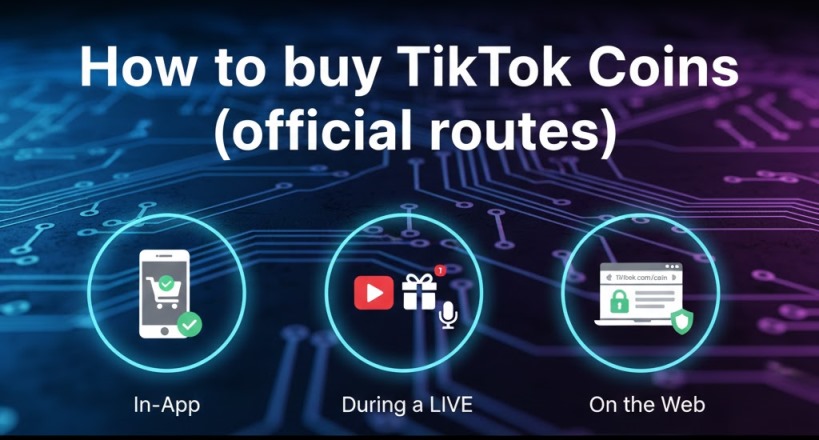
To understand how to buy TikTok Coins without getting scammed, stick to official purchase paths only:
Option 1: In the app
Open your balance, choose a package, and complete checkout. This is the most common TikTok coin recharge method.
Option 2: During a LIVE
Tap the Gift area in a LIVE and choose Recharge if you want to gift immediately.
Option 3: On the web
In supported locations you can purchase via tiktok.com/coin.
Pricing depends on country, taxes, and purchase channel, so “TikTok Coins price” varies between users and devices.
Also Read: TikTok’s Algorithm Tech: How Likes Fuel Your For You Page
What you can actually do with them
A) Send Gifts during LIVE
The main use of TikTok Coins is LIVE gifting. You pick a Gift, TikTok deducts TikTok Coins, and the animation appears in the stream.
B) Send Gifts to eligible videos
Some videos allow gifting from the comments area. In that case, you can use TikTok Coins to send a Gift and attach a short message.
C) Boost a post with Promote (where available)
In some regions, your coin balance can be used with TikTok Promote. Treat TikTok Coins like a budget: plan first, buy second.
Smart spending rules for TikTok Coins
Because TikTok Coins are easy to spend, set guardrails:
- Pick a monthly limit before you buy TikTok Coins.
- Check your TikTok wallet balance so leftover TikTok Coins don’t pile up.
- Start small, then top up with TikTok Coins only if needed.
A practical habit is to rehearse your action before paying: open the LIVE, tap Gift, and confirm the feature is available. If you’re comparing guides that say tik tok coins, remember it’s the same product, and a single tiktok coin is just one unit inside a bundle.
If you’re looking up value estimates such as TikTok Coins to USD, treat them as rough context, not a guaranteed rate. Focus on what you control: when you buy tiktok coins and how you spend tiktok coins.
Refunds, mistakes, and scam-proofing
People often search TikTok Coins refund after an accidental purchase or a delivery issue. Refund handling can differ depending on whether you bought through an app store or on the web, so keep your receipt and use the appropriate support route.
Avoid any “free coin” offer. If someone promises unlimited TikTok Coins, that’s a red flag. The safest rule is simple: buy TikTok Coins only through TikTok’s built-in flow or official web checkout, then use TikTok Coins exactly as intended.
Conlcusion
TikTok Coins are simply a prepaid way to participate in gifting and certain paid features. Buy them only through official channels, spend them intentionally, and understand the coins-to-Gifts-to-Diamonds flow creators rely on. With clear limits and scam awareness, you can support creators confidently and avoid costly mistakes on every purchase.
FAQs
1) Can I use TikTok Coins without going LIVE?
Yes—TikTok Coins can be spent on eligible videos or during someone else’s LIVE.
2) Are TikTok Coins the same as Diamonds?
No. Viewers spend TikTok Coins; creators receive Diamonds.
3) Why don’t I see the Gift button?
The content may be ineligible, or your account/region may not have access.
4) Is “tik tok coins” different from TikTok Coins?
No—tik tok coins is just a spelling variation for TikTok Coins.
5) What’s the safest way to buy?
Use in-app purchase flows and avoid third-party sellers.
